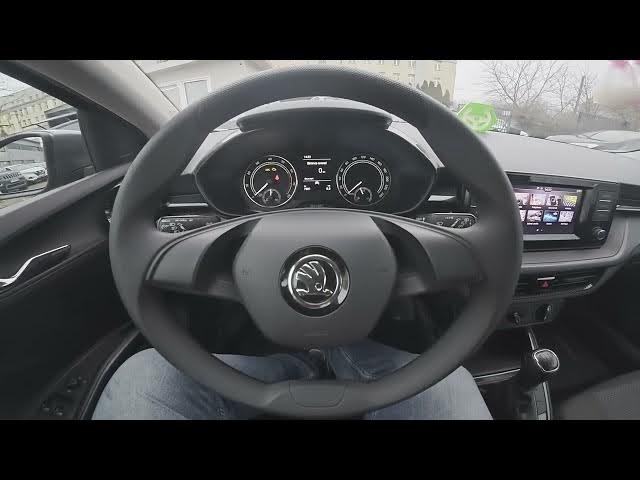

Skoda Fabia IV – How to Enable Screen Saver
Jan 16, 2026

In this short video I’ll show you how to enable the Screen Saver on your Skoda Fabia IV (2021 - now). You will learn how to open the central display, go to Menu → Settings → Screen and toggle the Screen Saver option. The screen saver activates after 10 seconds of inactivity. This quick walkthrough helps keep your infotainment display tidy and can reduce risk of screen burn‑in. If this helped, please like, comment and subscribe for more Skoda Fabia tips and tricks.
How to enable Screen Saver on Skoda Fabia IV (2021 - now)?
How to turn on Screen Saver from the display menu in Skoda Fabia IV?
How to change Screen Saver timeout on Skoda Fabia IV?
0:00 Introduction
0:06 Check the display and open Menu
0:15 Go to Settings → Screen
0:23 Turn on Screen Saver — timeout info
0:30 Wrap up and tips
#SkodaFabia #Skoda #CarTips #ScreenSaver
Find out more:
https://www.hardreset.info/devices/skoda/skoda-fabia-iv-2021-now/how-to-enable-screen-saver/
Follow us on Instagram ► https://www.instagram.com/hardreset.info
Like us on Facebook ► https://www.facebook.com/hardresetinfo/
Tweet us on Twitter ► https://twitter.com/HardResetI
Show More Show Less