
Skoda Fabia IV (2021 - now) – How to Play Music from Smartphone via Car System
Jan 16, 2026

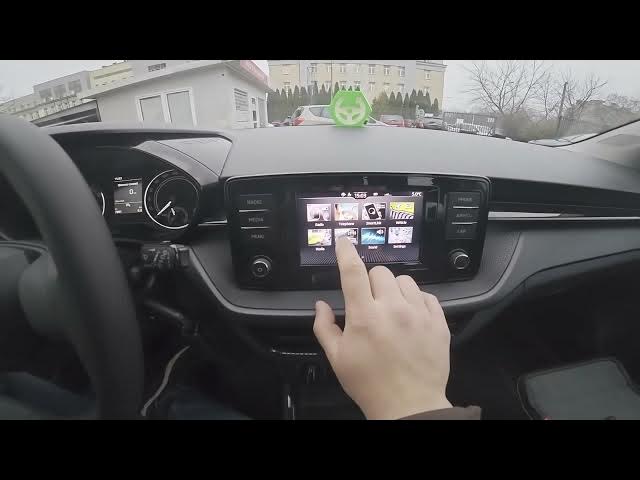
Learn how to play music from your smartphone through the Skoda Fabia IV (2021 - now) infotainment system. In this short, clear walkthrough you will see how to check the screen, confirm your phone is connected, open Media → Source, choose Bluetooth Audio, select your smartphone and start playing music or YouTube audio. Works for Android and iPhone and covers pairing, choosing the right audio source and quick playback tips so your car speakers play sound from your phone.
How to play music from smartphone on Skoda Fabia IV (2021 - now)?
How to connect smartphone to Skoda Fabia IV (2021 - now) via Bluetooth Audio?
Where is Media → Source on Skoda Fabia IV (2021 - now) infotainment?
0:00 Introduction
0:09 Check infotainment screen and confirm phone connection
0:23 Enter Media and select Source
0:31 Choose Bluetooth Audio and pick your smartphone
0:40 Play music or YouTube from your phone through the car
0:53 Outro – like, comment and subscribe
#SkodaFabia #SkodaFabiaIV #CarBluetooth #CarAudio
Find out more:
https://www.hardreset.info/devices/skoda/skoda-fabia-iv-2021-now/how-to-play-music-from-smartphone-via-cars-system/
Follow us on Instagram ► https://www.instagram.com/hardreset.info
Like us on Facebook ► https://www.facebook.com/hardresetinfo/
Show More Show Less