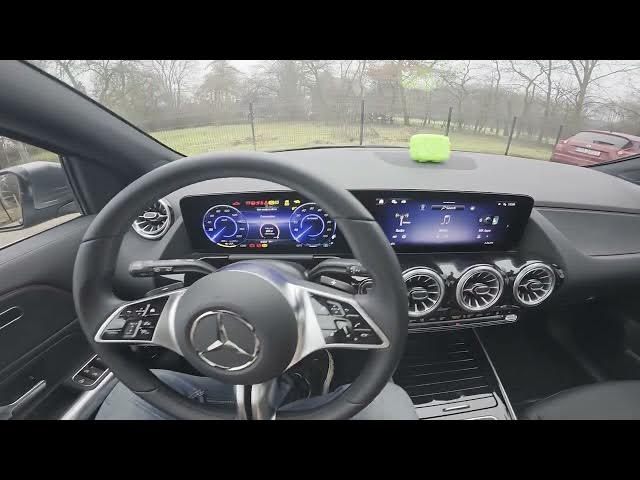

MERCEDES-BENZ EQA – How to Use Amazon Music
Jan 2, 2026

Learn how to use Amazon Music in your MERCEDES-BENZ EQA step by step. In this short video you’ll see how to prepare the car, connect to the internet, open the Mercedes‑Benz app, select Amazon Music and sign in by scanning the QR code. Follow these quick checks to start streaming music through your EQA infotainment system without extra apps or complications.
How to use Amazon Music in MERCEDES-BENZ EQA?
How to connect MERCEDES-BENZ EQA to Amazon Music using the Mercedes‑Benz app?
How to sign in to Amazon Music in MERCEDES-BENZ EQA by scanning a QR code?
0:00 Introduction
0:08 Check the screen display & internet connection
0:21 Open Mercedes‑Benz app and select Amazon Music
0:24 Scan QR code to log in
0:30 Finished — start streaming & final tips
#MercedesBenz #EQA #AmazonMusic #CarAudio
Find out more:
https://www.hardreset.info/devices/mercedes-benz/mercedes-benz-eqa/how-to-use-amazon-music/
Follow us on Instagram ► https://www.instagram.com/hardreset.info
Like us on Facebook ► https://www.facebook.com/hardresetinfo/
Tweet us on Twitter ► https://twitter.com/HardResetI
Show More Show Less