0:00
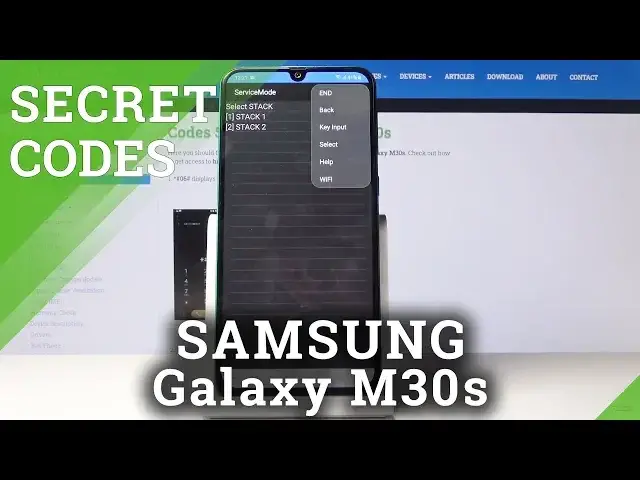
Here you've got Samsung Galaxy M30s and let me show you all the secret codes for the following device
0:10
So, at first you have to open your phone dialer and let's start with the first one, which
0:14
is asterisk pound, zero, asterisk pound. And as you can see, now you are in test mode, so you can test all the features
0:23
Let's start with display, smoothly click on red, and as you can see, it's working properly
0:28
then green, also fine, blue, it's going properly as well. You can check the receiver here
0:40
As we can hear, it's proper, then you can also check vibration, mega cam, grip sensor
0:46
sensor, touch, speaker. Let me show you the speaker, test. And as you can see, it's working more than fine
0:57
Then you can also check sub key, front camera, sensor hub, you can also check black display
1:03
To switch off this one, you have to tap on power key, but it's also working properly
1:07
and then you can also come along with the version. So this is it, this is how you can smoothly and easily test your phone by entering this
1:14
secret code. And now it's time for another code, very also short one, it's asterisk pound, 06 pound
1:20
And this one will provide you with both email numbers and also serial number assigned to
1:25
your device. So this is how you can very quickly come along with truly unique numbers that describes your phone
1:31
Click on OK to go back. And another code is asterisk pound, 1234 pound
1:39
And as you can see here, you can come along with firmware version. And actually, this is all that you can read here
1:44
Let me go back. Now we will open service mode, and the code is asterisk pound, 0011 pound
1:54
And here we are in service mode. So just click on more icon, and here you can go back obviously, but you can check the key
2:00
input, select, you can come along with help info, and also check the Wi-Fi
2:05
So let's go back. Now we will open advanced service mode, and the code is asterisk pound, 2683662, here
2:17
should be pound, 662 and pound. And here we are in advanced service mode
2:26
Just click on the more icon as well, and here you can come along with everything
2:30
So it's all the same. So let me go back, and it's time for another code, which is asterisk pound, 0228 pound
2:41
And now you can come along with your battery status. So you can read current voltage, voltage, level, level block, and very useful information
2:52
over here. So let's go back, and the last code is the advanced firmware version, and the code is
2:58
asterisk pound, 2663 pound. And as you can see here, you can come along with truly useful information about your firmware
3:08
and also you can refresh Wi-Fi version if you want to by tapping on the switcher
3:12
And actually this is it. These are all secret codes that you can use in your Samsung Galaxy M30s
3:18
Use them as often as you want to, gain some more info, or simply test your phone
3:22
Thank you for watching. Please subscribe to our channel and leave a thumbs up