0:00
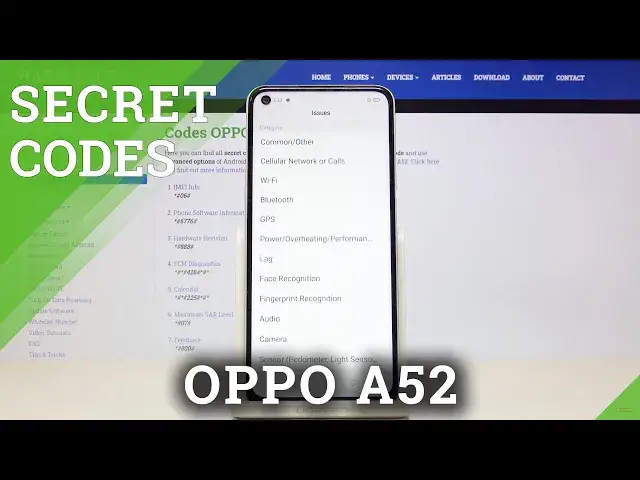
In front of me is Oppo A52 and let me show you how to use secret codes on the following device
0:12
So first of all you have to open your phone dialer, go to keypad and let's start with
0:17
the first code and it is asterisk pound 07 pound. And as you can see here you can check maximum SIR level so smoothly enter it and here you've
0:27
got this number for both body and head of your device. Tap on OK and that would be all for the first one
0:34
The second quite common is asterisk pound 06 pound so just one digit difference and
0:41
this one will provide you with device information so if you would like to check unique numbers
0:46
assigned to your device like email or serial number smoothly enter this code and then check them
0:52
Then tap on OK to go back. Another code that I would like to show you is phone information so it is asterisk pound
0:59
06776 pound. And here you can check software version like model, android version, basement version
1:06
kernel version, master date, version, branch and so on so here you've got all super unique details
1:13
Let me go back and the fourth code that I would like to show you is asterisk pound 0888
1:21
and pound. And here you've got the engineering mode so if you would like to check hardware version
1:28
smoothly scan this QR code with another device and you will be provided with further info
1:34
Obviously you can also check right here your PCB number. So let's go back and another code is performed by Google and it is asterisk pound asterisk
1:44
pound 426 pound asterisk pound asterisk. And as you can see here you've got the diagnostic data so you can check events also status and
1:54
if you would like to get some more information if you would like to explore your device more
1:59
just tap on the more icon and click on advanced view. As you can see here you've got way more details
2:06
So let me go back and another code which is also performed by Google is asterisk pound
2:13
asterisk pound double to five pound asterisk pound asterisk. And as you can see here we've got the calendar info so you can check all events celebrations
2:24
important dates anything you have provided your calendar with will be included here in
2:30
one place. So from now on you will not forget about any upcoming events
2:34
Smoothly enter this code and then check events for the next week for example
2:40
And the last code that I would like to show you today is asterisk pound eight oh oh pound
2:46
And as you can see it's feedback many. So here you can provide the carrier with some issues
2:52
So if you do experience some problems with for example Bluetooth just market then you
2:57
can record screen so it will retain the latest 30 minutes of video
3:02
You can start it right here and then you can perform this option finish and you can save
3:06
the data to your carrier and show the issue that you have that you experience
3:11
And this is it. That would be all. Here you've got all the many so you can add the subject date when this issue occur your
3:18
name describe the issue and so on. But I will leave it so let me go back
3:25
So just pick the feature that you have problems with market then record the video with the
3:30
particular problem and send it to your carrier. So that would be all
3:35
This is it. Thank you for watching. Please subscribe our channel and leave the thumbs up