0:00
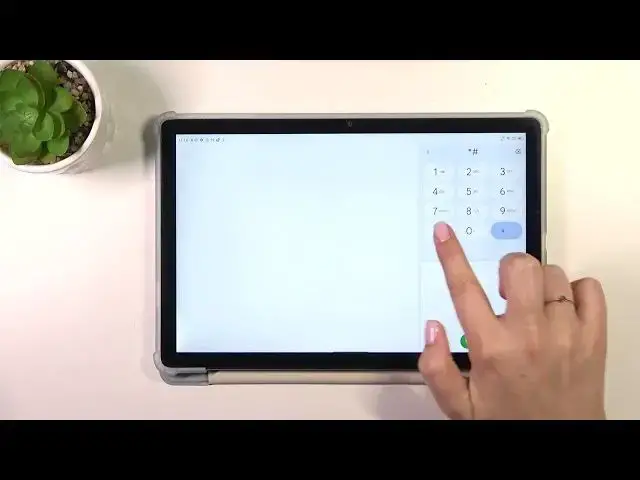
Hi everyone! In front of me I've got BlackVue Tab 13 and let me share with you how to use secret codes on this device
0:12
So let's start with opening the dialer because this is the place where we can enter all of those codes
0:17
What's more, a quick disclaimer before we will start. I highly recommend to click in the link which is in the description box
0:24
It will be transferred to our website where you can not only check the secret codes which are available in this device
0:31
but also check some other actions which you can perform, so for example the hard reset, soft reset etc
0:37
So let's start with the shortest code I've got prepared for today. It is asterisk pound 06 pound
0:45
And as you can see thanks to this code we are provided with the email numbers and the serial number of this device
0:51
Let's tap on OK and let me show you another code which will open the testing menu
0:56
It is asterisk pound asterisk pound 4636 pound asterisk pound asterisk. And here we've got the information about the tablet or the WiFi and usage statistics
1:09
So let's start with the tablet information. Here we can check the email number, car network, data service, data network type
1:18
Of course you will be able to check the information whether you've got the SIM card inserted
1:24
You can run ping test here and after tapping on the 3 dot icon you can also view service dialing numbers or enable data connection
1:32
Let's go back, let's check usage statistics. Here we've got the list of all apps and processes which are currently on this device
1:39
Right now they are sorted by usage time but of course you can change it to the last time use or app name, it's up to you which option is most comfortable
1:48
Here we've got also the WiFi information, API configuration and the status
1:52
So let me check the status. We can refresh the stats and we can check the information just like the network state, SSID or network ID
2:01
We can also run ping test here. Let's go back because that's all for this code
2:06
And let me show you another one which is asterisk pound asterisk pound 225 pound asterisk pound asterisk
2:15
And here we are in the calendar info so here we've got all the events in one place
2:19
We can check some family events, some holidays in your country should also appear right here or events attached to your mail
2:25
So this is the best place to check the events because here they're grouped into particular sections
2:31
Let's go back and let me show you the last code which is asterisk pound asterisk pound 426 pound asterisk pound asterisk
2:40
And here we've got the diagnostic mode. Let me tap on the events
2:44
Here you can check details like server, host, port, time connected. We can also check some further information right here after tapping on the events
2:53
We can tap on the three dots, I can show it past view. Just tap on it and tap on the status again
2:57
And here we've got much more information so for example the heartbeat, last ping or HP algorithm
3:03
Alright so that would be all. Thank you so much for watching. I hope that this video was helpful and if it was please hit the subscribe button and leave the thumbs up