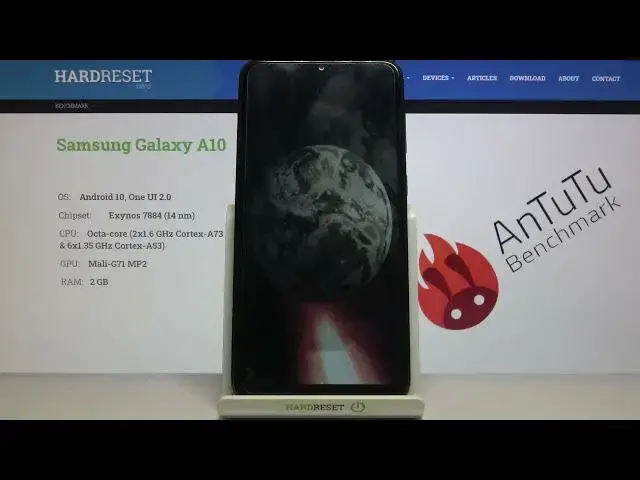

Samsung Galaxy A10 AnTuTu Benchmark TEST
Apr 10, 2024

If you need more: https://www.hardreset.info/devices/samsung/samsung-galaxy-a10
If you like gadgets or you are just a conscientious customer, you surely know how important the efficiency is in each device. A set of CPU, GPU and RAM memory characterizes each device and allows you to assess whether it will run smoothly for a long time of use. Today we will test Samsung Galaxy A10 in the AnTuTu Benchmark application where we will run the basic performance test. Check if the Galaxy A10 will run smoothly during this test, or is it already too strong for the antutu test? Check it out! If you looking for some tutorials or tips & tricks for your phone be sure to visit our youtube channel!
How to use AnTuTu Benchmark in Samsung Galaxy A10? How to check Performance by Samsung Galaxy A10? How to check performance by 3DMark sling shot extreme test of Android device? How to activate Wild Life 3DMark Benchmark on Samsung Galaxy A10? How to use Geekbench 5 GPU OpenCL Benchmark in Samsung Galaxy A10? How fast is Samsung Galaxy A10? How to test by Geekbench GPU Vulkan Benchmark Samsung Galaxy A10? How to perform benchmark in Samsung Galaxy A10? How to check storage speed in Samsung Galaxy A10? How to perform HTML5 TEST in Samsung Galaxy A10?
DISPLAY Type IPS LCD
Size 6.2 inches, 95.9 cm2 (~81.6% screen-to-body ratio)
Resolution 720 x 1520 pixels, 19:9 ratio (~271 ppi density)
PLATFORM OS Android 9.0 (Pie), upgradable to Android 10, One UI 2.0
Chipset Exynos 7884 (14 nm)
CPU Octa-core (2x1.6 GHz Cortex-A73 & 6x1.35 GHz Cortex-A53)
GPU Mali-G71 MP2
MEMORY Card slot microSDXC (dedicated slot)
Internal 32GB 2GB RAM
Follow us on Instagram ► https://www.instagram.com/hardreset.info
Like us on Facebook ► https://www.facebook.com/hardresetinfo/
Tweet us on Twitter ► https://twitter.com/HardResetI
Support us on TikTok ► https://www.tiktok.com/@hardreset.info
Use Reset Guides for many popular Apps ► https://www.hardreset.info/apps/apps/
Show More Show Less