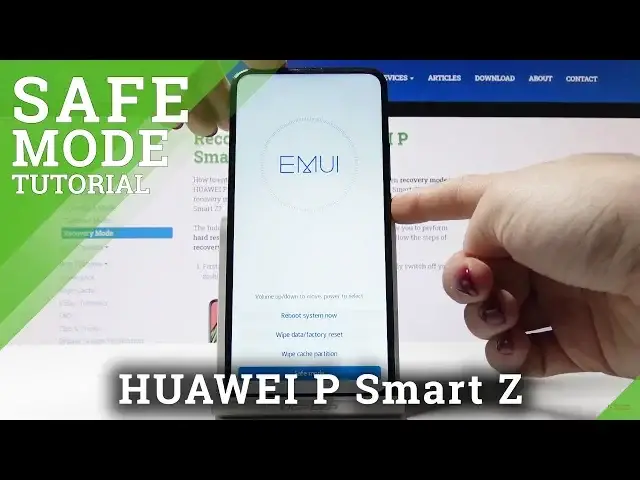

Safe Mode in HUAWEI P Smart Z – How to Open & Use Diagnostic Mode
May 16, 2024

Check out more info about HUAWEI P Smart Z: https://www.hardreset.info/devices/huawei/huawei-p-smart-z/
Come along with a presented tutorial to learn how to get access to the Safe Mode in HUAWEI P Smart Z. If you need to use your Huawei device without third-party apps to diagnostic the system problem, then watch step by step guide to smoothly boot safe mode and resolve the problem with your Huawei device. Let’s follow the attached video guide and use Safe Mode in HUAWEI P Smart Z smoothly.
How to restart HUAWEI P Smart Z into safe mode? How to boot into Safe Mode in HUAWEI P Smart Z? How to activate the Safe Mode in HUAWEI P Smart Z? How to quit the Safe Mode in HUAWEI P Smart Z? How to use Safe Mode in HUAWEI P Smart Z? How to open Safe Mode on HUAWEI P Smart Z?
Follow us on Instagram ► https://www.instagram.com/hardreset.info
Like us on Facebook ► https://www.facebook.com/hardresetinfo/
Tweet us on Twitter ► https://twitter.com/HardResetI
Show More Show Less