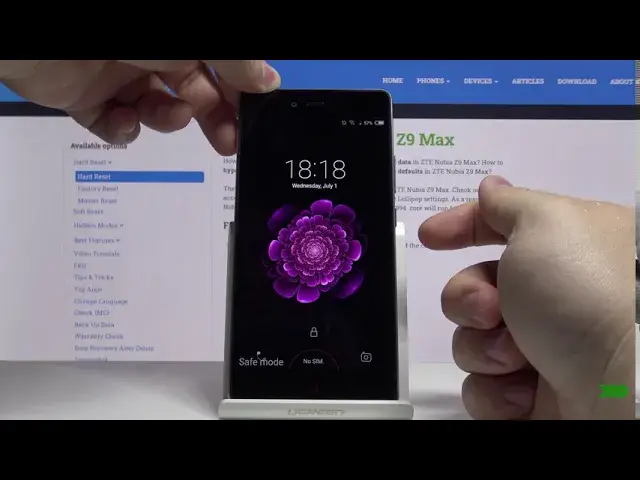

How to Enter Safe Mode in ZTE Nubia Z9 Max - Disable Third-party Apps
Jul 18, 2024

Check out more info about ZTE NUBIA LITE Z9 MAX: https://www.hardreset.info/devices/zte/zte-nubia-z9-max/
Did you know that you can enable Diagnostic mode on ZTE Nubia Z9 Max? It's called Safe Mode and thanks to it, you'll be able to find and solve any problems or errors on your phone! Stay with us and enter the hidden menu to use this mode, and fix your device. Let's begin!
How to enter Safe Mode in ZTE NUBIA Z9 MAX? How to boot safe mode on ZTE NUBIA Z9 MAX? How to enable Safe Mode on ZTE NUBIA Z9 MAX? How to turn on Safe Mode in ZTE NUBIA Z9 MAX? How to quit Safe Mode on ZTE NUBIA Z9 MAX? How to Enable Diagnostic mode in ZTE NUBIA Z9 MAX? How to diagnose ZTE NUBIA Z9 MAX?
Follow us on Instagram ► https://www.instagram.com/hardreset.info
Like us on Facebook ► https://www.facebook.com/hardresetinfo/
Tweet us on Twitter ► https://twitter.com/HardResetI
Show More Show Less