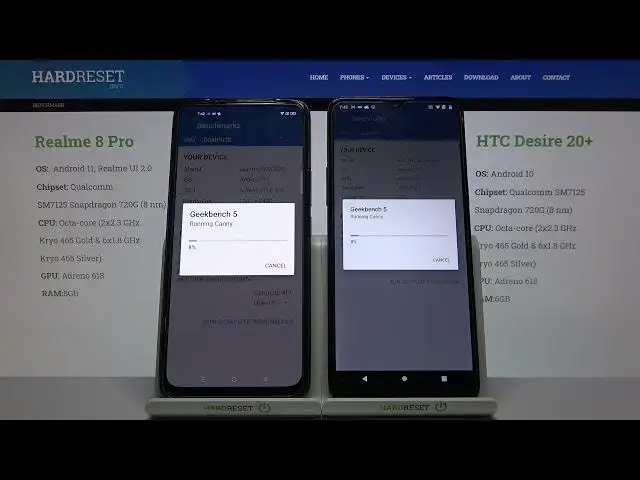

Realme 8 Pro vs Realme 8 - Geekbench 5 GPU OpenCL
Jul 13, 2024

Learn more info about 8 Pro: https://www.hardreset.info/devices/realme/realme-8-pro/
Read Realme 8 content: https://www.hardreset.info/devices/realme/realme-8/
If you want to check the graphics card in your phone, be sure to find out what a benchmark is! Your phone freezes up while playing games or watching a movie? Loses frames when rendering a virtual image? You need to diagnose this problem and the Geekbench 5 application will help you with that! Turn on the OpenCL GPU test to test the graphics card in your device and see if the result in any section is in doubt. In the video above you can see the Realme 8 Pro vs Realme 8 test! Check which one is better and which you will be more satisfied with after the purchase!
How to use AnTuTu Benchmark in Realme 8 Pro & Realme 8? How to check Performance by Geekbench 5 of Realme 8 Pro & Realme 8? How to check performance by 3DMark sling shot extreme test of Android device? How to activate Wild Life 3DMark Benchmark on Realme 8 Pro & Realme 8? How to use Geekbench 5 GPU OpenCL Benchmark in Realme 8 Pro & Realme 8? How fast is Realme 8 Pro & Realme 8? How to test by Geekbench GPU Vulkan Benchmark Realme 8 Pro & Realme 8? How to perform benchmark in Realme 8 Pro & Realme 8?
Realme 8 Pro Specification:
OS: Android 11, Realme UI 2.0
Chipset : Snapdragon 720G (8 nm)
CPU: Octa-core (2x2.3 GHz Kryo 465 Gold & 6x1.8 GHz Kryo 465 Silver)
GPU: Adreno 618
MEMORY: 6GB RAM
Realme 8 Specification:
OS: Android 11, Realme UI 2.0
Chipset: Mediatek Helio G95 (12 nm)
CPU: Octa-core (2x2.05 GHz Cortex-A76 & 6x2.0 GHz Cortex-A55)
GPU: Mali-G76 MC4
MEMORY: 4GB RAM
Show More Show Less