
Opel Grandland X – How to Manage Map View
May 28, 2026

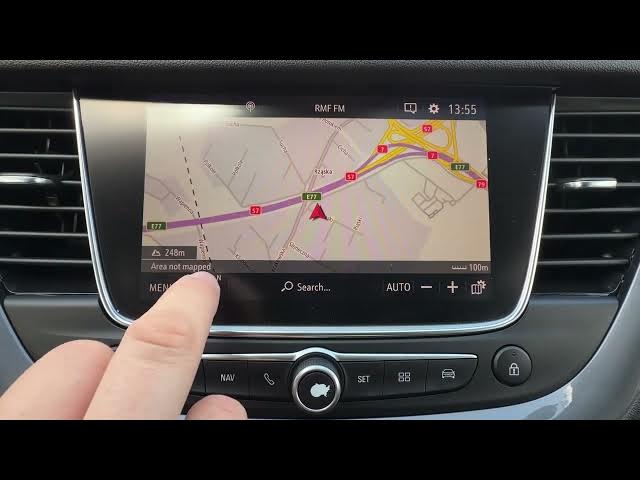
In this short video I show how to manage the map view on the Opel Grandland X navigation system. You will learn how to open the navigation, change map orientation, zoom in and out, and access map settings to show POIs and change map color. Clear, simple steps you can follow while sitting in your car to get the map looking the way you want on your Grandland X.
How to change map orientation on Opel Grandland X?
How to show POIs on Opel Grandland X map?
How to change map color on Opel Grandland X?
0:00 Intro – Opel Grandland X map overview
0:06 Open navigation & change map orientation
0:16 Zoom in and zoom out on the map
0:26 Map settings – show POIs and change map color
0:28 Outro – like, comment & subscribe
#OpelGrandlandX #Opel #CarNavigation #MapView
Find out more:
https://www.hardreset.info/devices/opel/opel-grandland-x/
Follow us on Instagram ► https://www.instagram.com/hardreset.info
Like us on Facebook ► https://www.facebook.com/hardresetinfo/
Tweet us on Twitter ► https://twitter.com/HardResetI
Show More Show Less #Science