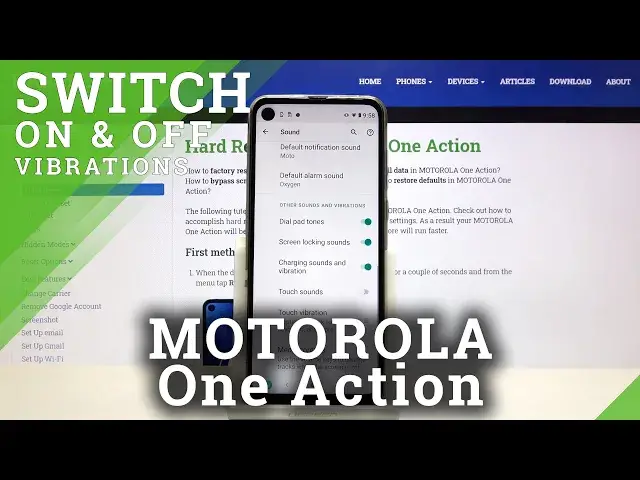

MOTOROLA One Action - How to Change & Manage Vibration Settings
Apr 21, 2024

Find out more about MOTOROLA One Action:
https://www.hardreset.info/devices/motorola/motorola-one-action/
You have often asked us to show you the process of managing Vibration Mode on your MOTOROLA One Action device. And today we'll demonstrate to you how to do it! Follow our instructions, open the main settings of the phone and select the Sound & Vibration section there. Next, we'll show you in detail how to manage these customizations successfully. Please check our channel for more!
How to Change Vibration Settings on MOTOROLA One Action? How to Add Vibration on MOTOROLA One Action? How to Find Vibration Settings on MOTOROLA One Action? How to Get access to Vibration Options on MOTOROLA One Action? How to Manage Vibration Settings on MOTOROLA One Action? How to Change Vibration Permissions on MOTOROLA One Action? How to Choose Vibration Function on MOTOROLA One Action? How to Choose Vibration Type in MOTOROLA One Action?
#VibrationMode #ManageVibration #MOTOROLAOneAction
Follow us on Instagram ► https://www.instagram.com/hardreset.info
Like us on Facebook ► https://www.facebook.com/hardresetinfo/
Tweet us on Twitter ► https://twitter.com/HardResetI
Support us on TikTok ► https://www.tiktok.com/@hardreset.info
Use Reset Guides for many popular Apps ► https://www.hardreset.info/apps/apps/
Show More Show Less