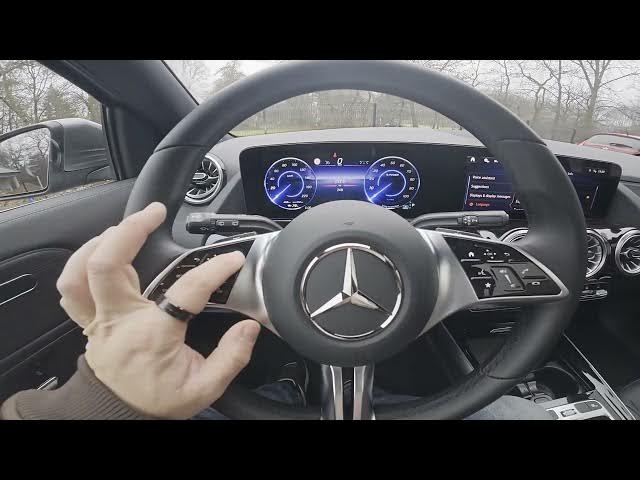

MERCEDES-BENZ EQA – How to Find & Reset Trip A and Trip B
Jan 2, 2026

In this short video I show how to find and reset Trip A and Trip B (the trip meter) on the MERCEDES-BENZ EQA instrument cluster. You will see where the trip meter is located in the menu, how to switch to the Home → Classic view, and how to use the steering wheel OK button to select and reset the trip meter. This quick and clear walkthrough helps you clear Trip A or Trip B before a trip, track mileage, or fix incorrect trip readings. Useful for owners who want to reset trip data fast and reliably.
How to find and reset Trip A and Trip B on MERCEDES-BENZ EQA?
How to reset the trip meter on MERCEDES-BENZ EQA?
Where is the trip meter menu in MERCEDES-BENZ EQA instrument cluster?
0:00 Intro — What we will show
0:03 Look at the instrument cluster
0:07 Go to Home and select Classic view
0:11 Locate Trip Meter at the top of the list
0:16 Press OK and choose Reset Trip Meter
0:30 Closing — Like, comment and subscribe
#MercedesBenzEQA #TripMeter #ResetTrip #CarTips
Find out more:
https://www.hardreset.info/devices/mercedes-benz/mercedes-benz-eqa/how-to-find-and-reset-trip-a-and-b-info/
Follow us on Instagram ► https://www.instagram.com/hardreset.info
Like us on Facebook ► https://www.facebook.com/hardresetinfo/
Show More Show Less