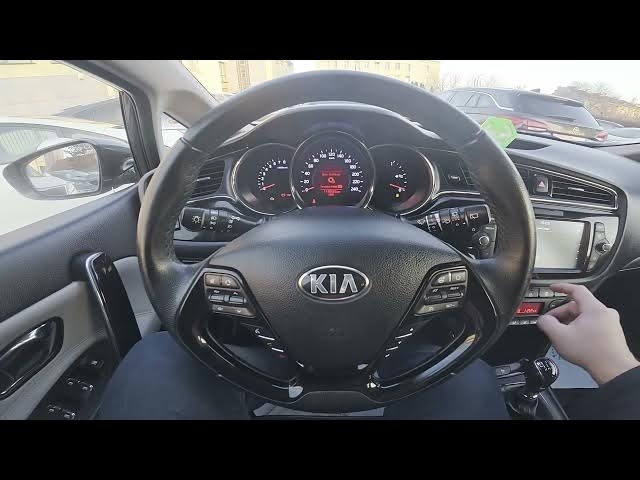

Kia Ceed II Facelift - How to Enable Privacy Mode
Dec 28, 2025

In this short video I show how to enable Privacy Mode on the Kia Ceed II facelift infotainment system. You will see the exact screen steps: open Phone, go to Menu and tap Privacy Mode to turn it on. I also show how to disable Privacy Mode from Settings → Phone connections → Privacy Mode. Clear, fast and helpful for Kia Ceed II owners who want to protect calls and contacts on the car display.
How to enable Privacy Mode on Kia Ceed II Facelift?
How to disable Privacy Mode on Kia Ceed II Facelift?
Where is Privacy Mode in the Kia Ceed II infotainment menu?
0:00 Introduction
0:06 Check the screen display
0:12 Open Phone → Menu
0:18 Tap Privacy Mode to enable
0:27 How to disable: Settings → Phone connections → Privacy Mode
0:32 Wrap up and subscribe
#KiaCeedII #PrivacyMode #KiaInfotainment #CarTips
Find out more:
https://www.hardreset.info/devices/kia/kia-ceed-ii-facelifting/
Follow us on Instagram ► https://www.instagram.com/hardreset.info
Like us on Facebook ► https://www.facebook.com/hardresetinfo/
Show More Show Less