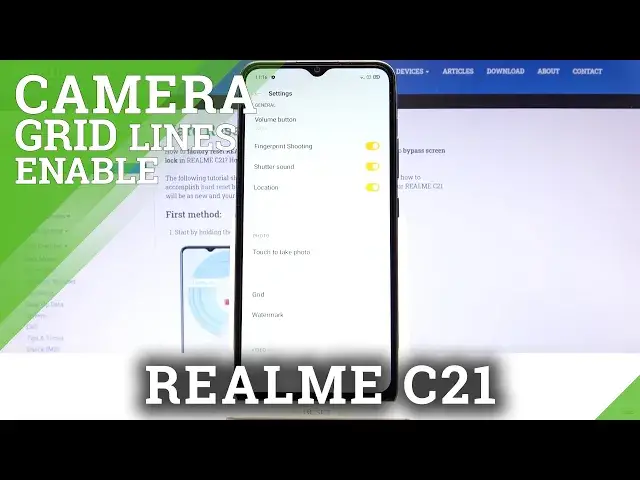

How to Use Camera Grid Lines on REALME C21 – Turn On Grid Lines
Jul 11, 2024

Learn more info about REALME C21: https://www.hardreset.info/devices/realme/realme-c21/
Open this tutorial if you want to learn how to take perfect photos. Today we want to show you how to activate camera grid lines and how to use them to take perfectly framed photos. Follow our instructions, enter the camera app settings on your REALME C21, find the Grid Line tool and activate it. Discover more useful tools on the REALME C21 camera - follow our other tutorials on our YouTube channel.
How to Activate Camera Grid Lines in REALME C21? How to Enable Camera Grid Lines in REALME C21? How to Turn On Camera Grid Lines in REALME C21? How to Switch On Camera Grid Lines in REALME C21? How to Turn Off Camera Grid Lines? How to Switch Off Camera Grid Lines in REALME C21?
#CameraGridLines #CameraAdvancedFeatures #REALMEC21
Follow us on Instagram ► https://www.instagram.com/hardreset.info
Like us on Facebook ► https://www.facebook.com/hardresetinfo/
Tweet us on Twitter ► https://twitter.com/HardResetI
Support us on TikTok ► https://www.tiktok.com/@hardreset.info
Use Reset Guides for many popular Apps ► https://www.hardreset.info/apps/apps/
Show More Show Less