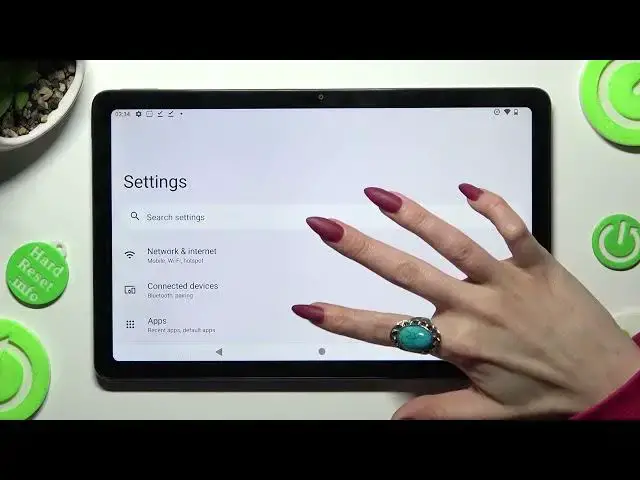

How to Turn On/Off Auto Correction on NOKIA T21? - Text Settings
Mar 22, 2024

Learn more about NOKIA T21
https://www.hardreset.info/devices/nokia/nokia-t21/
If you want to learn how to enable or disable Auto-Correction on NOKIA T21, watch this tutorial carefully. Follow our instructions and go to Language and Input settings, then go to Keyboard Settings and find the auto-correct option there. If you want all your linguistic mistakes and typos to be automatically corrected, then you should definitely activate auto-correct on your NOKIA T21 device.
How to activate auto-correction in NOKIA T21?
How to use auto-correction in NOKIA T21?
How to turn on auto-correct in NOKIA T21?
How to turn off auto-correct in NOKIA T21?
#TextCorrection #KeyboardSettings #NOKIAT21
Follow us on Instagram ► https://www.instagram.com/hardreset.info
Like us on Facebook ► https://www.facebook.com/hardresetinfo/
Tweet us on Twitter ► https://twitter.com/HardResetI
Support us on TikTok ► https://www.tiktok.com/@hardreset.info
Use Reset Guides for many popular Apps ► https://www.hardreset.info/apps/apps/
Show More Show Less