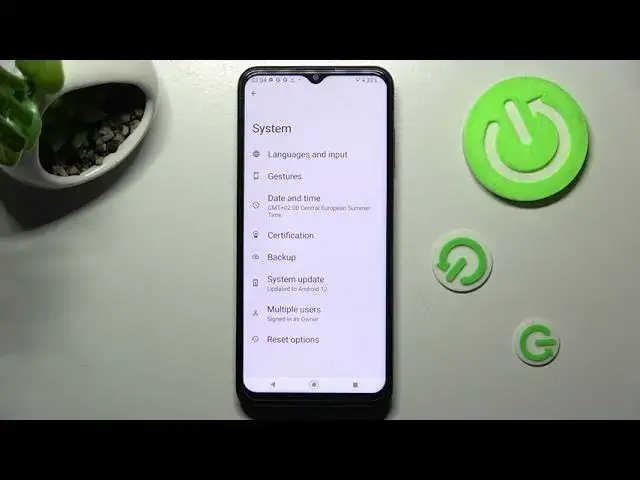

How to Turn On Auto Correction on NOKIA G60 - Turn On Auto Correction
Jul 21, 2024

Find out more info about NOKIA G60 5G: https://www.hardreset.info/devices/nokia/nokia-g60/
If you have ever sent an important message with a typo, we will show you what you can do to avoid it in the future. Open this tutorial and learn how to enable autocorrect on your NOKIA G60. Follow the instructions, open the keyboard settings, and then turn on auto-correction. If you change your mind later, you can disable the autocorrect feature at any time.
How to turn on auto-correction on NOKIA G60? How to turn off auto-correction on NOKIA G60? How to activate auto-correction on NOKIA G60? How to enable auto-correction on NOKIA G60? How to open keyboard settings on NOKIA G60?
#AutoCorrection #TextCorrectionOptions #NOKIAG60
Follow us on Instagram ► https://www.instagram.com/hardreset.info
Like us on Facebook ► https://www.facebook.com/hardresetinfo/
Tweet us on Twitter ► https://twitter.com/HardResetI
Support us on TikTok ► https://www.tiktok.com/@hardreset.info
Use Reset Guides for many popular Apps ► https://www.hardreset.info/apps/apps/
Show More Show Less