
How to Turn On / Off Auto Correction on Samsung Galaxy A3 Core – Activate Auto Correct
Apr 11, 2024

Check out more information about Samsung Galaxy A3 Core: https://www.hardreset.info/devices/samsung/samsung-galaxy-a3-core/
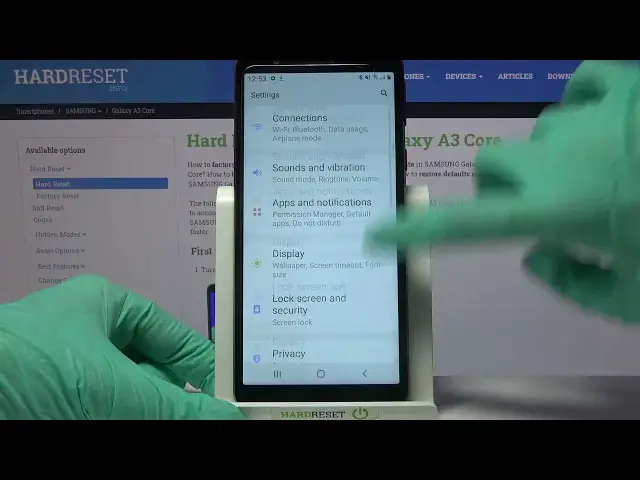
Hi there! We're glad to see you on our channel! Today we're going to share with you how to Activate Auto Correct Option on Samsung Galaxy A3 Core. Firstly activate your Samsung Galaxy A3 Core, then go to the Settings and Scroll Down and Tap on the General Management, Tap on the Samsung Keyboard Settings, right there you will see some Text Correction option. To Enable Auto Correction feature just Tap on the Predictive Text switcher, if you want to Turn it Off just click on the switcher one more time. So, now you can find out how to activate the Auto Correction Options, spell check and much more. Your Samsung Galaxy A3 Core has a lot of text correction functions built in, so check them all and turn on the ones that will help you write texts without mistakes! Thank you for watching! If you need to find more information visit our HardReset.info YT channel and discover many useful tutorials for Samsung Galaxy A3 Core.
How to Use Auto Correction on Samsung Galaxy A3 Core?
How to Enable auto Correction on Samsung Galaxy A3 Core?
How to Use Text Correction Option on Samsung Galaxy A3 Core?
#AutoCorrect #Autocorrection #TextCorrection
Follow us on Instagram ► https://www.instagram.com/hardreset.info
Like us on Facebook ► https://www.facebook.com/hardresetinfo/
Tweet us on Twitter ► https://twitter.com/HardResetI
Support us on TikTok ► https://www.tiktok.com/@hardreset.info
Use Reset Guides for many popular Apps ► https://www.hardreset.info/apps/apps/
Show More Show Less