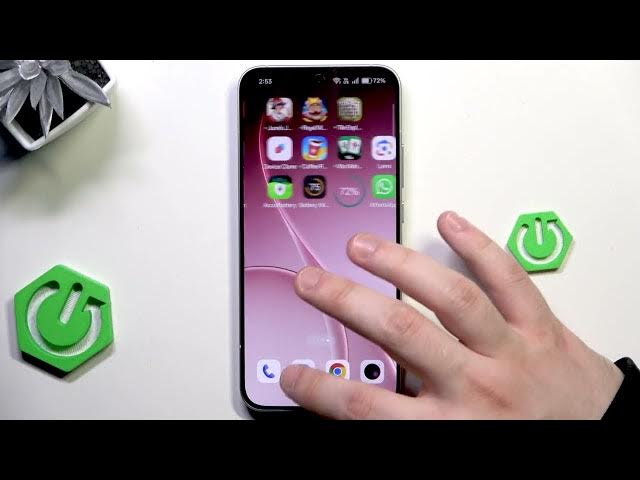

OPPO Reno 15 – How to Restore WhatsApp Backup
Jan 28, 2026

In this video you will learn how to restore your WhatsApp backup on OPPO Reno 15 step by step. I show how to check the Google account in Settings, launch WhatsApp, verify your phone number, allow permissions and select Restore from backup so all chats, photos and videos come back. This method restores WhatsApp data from Google Drive (the same Google account you used to back up) and explains what to do if you skip the prompt or don’t receive the verification code. Simple, fast and safe for OPPO Reno 15 users.
How to restore WhatsApp backup on OPPO Reno 15?
How to restore WhatsApp backup from Google Drive on OPPO Reno 15?
How to verify phone number and restore WhatsApp on OPPO Reno 15?
0:00 Intro – what we will do
0:05 Check Google account in Settings (must match backup account)
0:13 Open WhatsApp and select language
0:48 Enter phone number, allow permissions and wait for verification
1:18 Verification options: SMS or voice call
2:01 Verified – continue to permissions and restore prompt
2:13 Select "Restore from backup" and start restoring chats
2:31 Confirm profile name/photo and finish setup
2:46 Restore complete – chats, photos and videos restored
#OPPOReno15 #WhatsAppBackup #RestoreWhatsApp #AndroidTips
Find out more:
https://www.hardreset.info/devices/oppo/oppo-reno-15-5g-global/
Show More Show Less