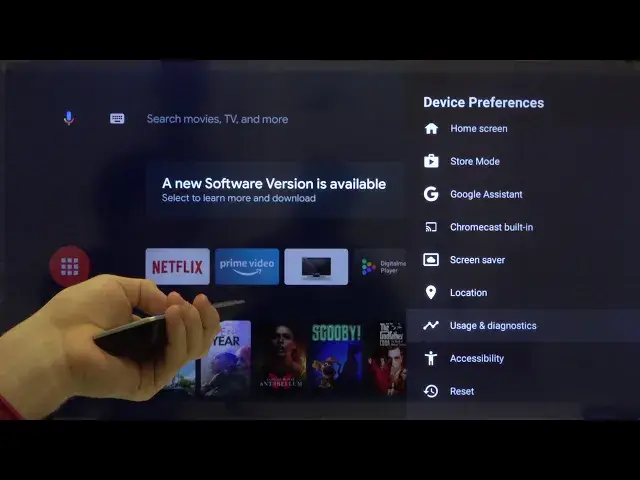

How to Turn On High Contrast Text on SHARP Aquos Smart LED TV – Improve Visibility
Jul 16, 2024

Check out more: https://www.hardreset.info/devices/sharp/sharp-lc-40cfe6242e/ High contrast text is a very useful feature which will improve text visibility a lot on SHARP 40-inch TV. Watch this video where HardReset.Info expert will show you how to turn on this option. Contrast ratio will be set to maximum which will let even people with impaired vision see all the letters clearly. To Find more useful Tips and Tricks about SHARP Aquos Smart LED TV subscribe to HardReset.Info channel.
How to enable high contrast text on SHARP Aquos Smart LED TV? How to activate high contrast text in SHARP Aquos Smart LED TV? How to increase contrast on SHARP Aquos Smart LED TV? How to access accessibility settings on SHARP Aquos Smart LED TV? How to apply higher contrast in SHARP Aquos Smart LED TV? How to change display on SHARP Aquos Smart LED TV?
Follow us on Instagram ► https://www.instagram.com/hardreset.info/
Like us on Facebook ► https://www.facebook.com/hardresetinfo/
Tweet us on Twitter ► https://twitter.com/HardresetI/
Show More Show Less