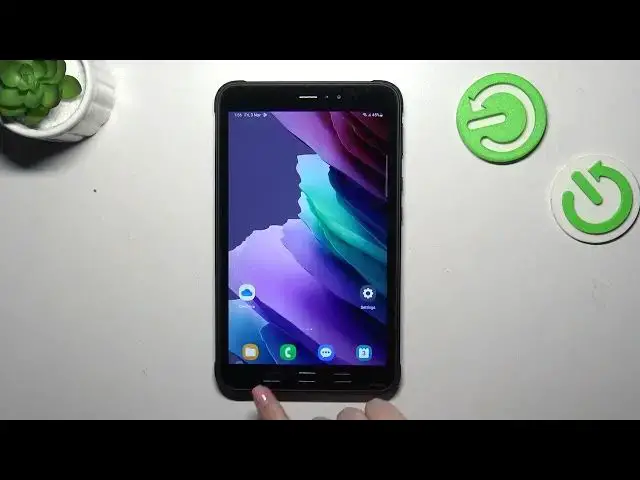

How to Turn Off Running Apps on SAMSUNG Galaxy Tab Active 3?
Aug 5, 2024

Find out more: https://www.hardreset.info/devices/samsung/samsung-galaxy-tab-active3/tutorials/
This step-by-step tutorial will guide you through the process of resetting network preferences on your SAMSUNG Galaxy Tab Active 3. When you encounter network issues, such as Wi-Fi or cellular connectivity problems, resetting network preferences can be a valuable troubleshooting step. We'll walk you through the process, explaining when and how to perform this reset. By the end of this tutorial, you'll have the knowledge to resolve network-related problems on your tablet.
Why would I want to reset network preferences on my Galaxy Tab Active 3?
How can I access the network preferences settings on my Samsung tablet?
What are some common signs that indicate my tablet may benefit from a network preferences reset?
Can I selectively reset specific network settings, or is it an all-encompassing process?
What settings and configurations will be affected when I use this feature?
#turnoffrunningapps #closebckgroundapps #samsunggalaxytabactive3
Follow us on Instagram ► https://www.instagram.com/hardreset.info
Like us on Facebook ► https://www.facebook.com/hardresetinfo/
Tweet us on Twitter ► https://twitter.com/HardResetI
Support us on TikTok ► https://www.tiktok.com/@hardreset.info
Use Reset Guides for many popular Apps ► https://www.hardreset.info/apps/apps/
Show More Show Less