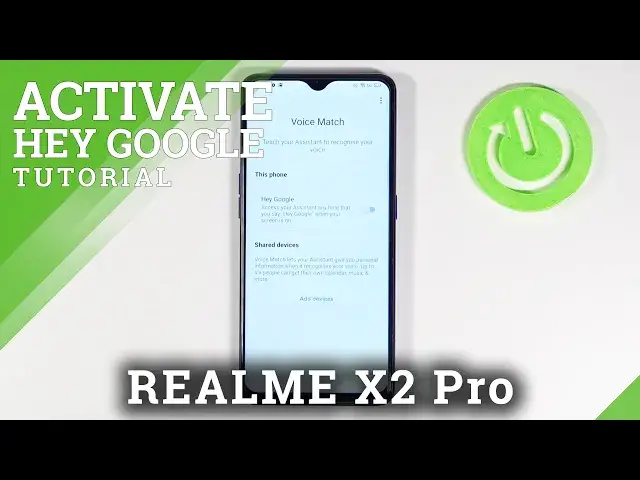

How to Turn Off Hey Google on REALME X2 Pro – Disable Hey Google Feature
Jul 15, 2024

Learn more info about REALME X2 Pro:
https://www.hardreset.info/devices/realme/realme-x2-pro/
Use this tutorial if you want to disable Hey Google in Google Assistant in REALME X2 Pro. Find out where the Google Assistant settings are located and how to successfully disable the Hey Google feature. The process of disabling the OK Google is not difficult, but observe how to navigate through the Google Assistant settings. With a little help, you will turn off Google Assistant voice search in REALME X2 Pro quickly and efficiently, so check out this tutorial.
How to turn off Google Assistant in REALME X2 Pro? How to disable Google Assistant in REALME X2 Pro? How to disable Hey Google in REALME X2 Pro? How to disable Hey Google option in Google Assistant in REALME X2 Pro? How to turn off Hey Google in Google Assistant in REALME X2 Pro? How to open Google Assistant Settings in REALME X2 Pro? How to change Google Assistant Settings in REALME X2 Pro? How to switch off Hey Google on REALME X2 Pro?
Follow us on Instagram ► https://www.instagram.com/hardreset.info
Like us on Facebook ► https://www.facebook.com/hardresetinfo/
Tweet us on Twitter ► https://twitter.com/HardResetI
Show More Show Less