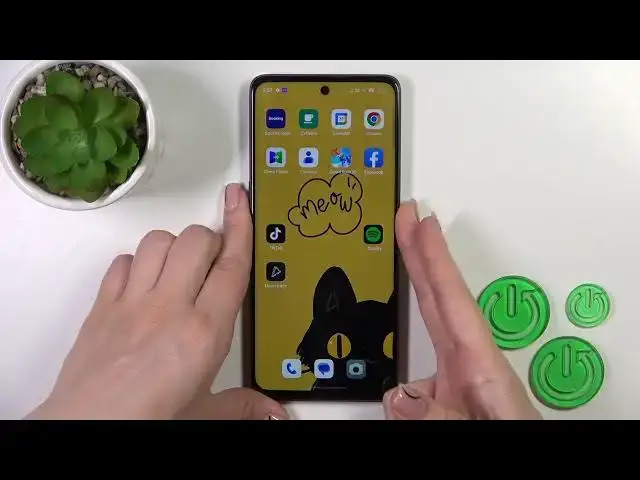

How to Turn Off AOD on OPPO A1? Check Best Way to Switch OFF / Disable Always ON Display Feature!
Aug 3, 2024

Learn more on: www.hardreset.info
Greetings to our Hardreset channel! Discover how to turn off Always-On Display (AOD) using the Muviz Edge app on your OPPO A1. AOD is a useful feature that shows important information on your device's screen even when it's locked. This tutorial will walk you through the steps to disable AOD using the Muviz Edge app on your OPPO A1.
How to disable AOD (Muviz Edge App) on OPPO A1?
How to turn off Always-On Display (Muviz Edge App) on OPPO A1?
How to deactivate AOD (Muviz Edge App) on OPPO A1?
#OPPOA1 #AOD #MuvizEdgeApp
Follow us on Instagram ► https://www.instagram.com/hardreset.info
Like us on Facebook ► https://www.facebook.com/hardresetinfo/
Tweet us on Twitter ► https://twitter.com/HardResetI
Support us on TikTok ► https://www.tiktok.com/@hardreset.info
Use Reset Guides for many popular Apps ► https://www.hardreset.info/apps/apps/
Show More Show Less