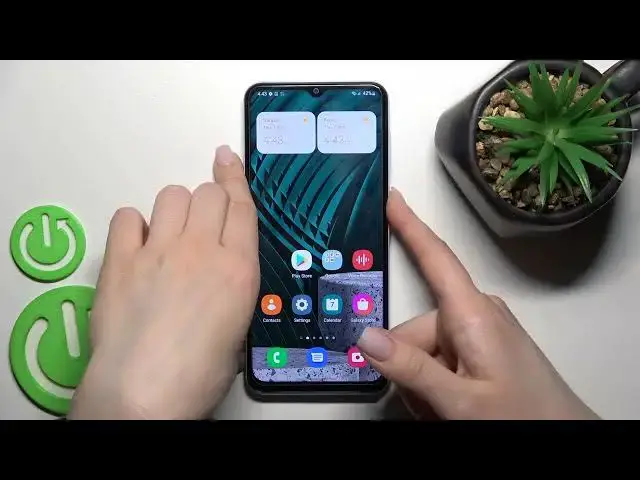

How to Turn Off AOD on Galaxy A13 | Muviz Edge Always On Display settings on Samsung Galaxy A13
Apr 5, 2024

Check our website and learn more info about Samsung Galaxy A13: https://www.hardreset.info/pl/devices/samsung/samsung-galaxy-a13-5g/
Hi there! The Always-On display on your Samsung Galaxy A13 can be very useful for seeing information or notifications at a glance when you look at your Tablet. But it can also be very annoying because your Samsung Galaxy A13 display is always On and you get distracted every time because it seems like there might be something important there. So, in order to help you, our specialist has created a special tutorial on how to Disable the annoying AOD function. So, let’s get started! For more information visit our HardReset.info YT channel and discover many useful tutorials for Samsung Galaxy A13.
How to Disable Always On Display on Samsung Galaxy A13? How to Switch Off AOD Feature on Samsung Galaxy A13? How to Get Rid of Always On Display on Samsung Galaxy A13? How to Turn Off Always Off Display in Samsun Galaxy A13? How to Deactivate Always On Display in Samsung Galaxy A13?
#SamsungGalaxyA13 #AlwaysOnDisplay #MuvizEdgeApp
Follow us on Instagram ► https://www.instagram.com/hardreset.info
Like us on Facebook ► https://www.facebook.com/hardresetinfo/
Tweet us on Twitter ► https://twitter.com/HardResetI
Support us on TikTok ► https://www.tiktok.com/@hardreset.info
Use Reset Guides for many popular Apps ► https://www.hardreset.info/apps/apps/
Show More Show Less