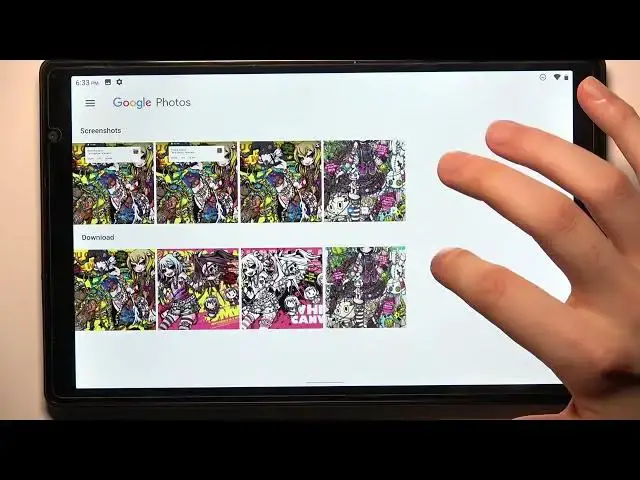

How to Take Screenshot on TOSCIDO P101- Capture Screen
Mar 10, 2024

Check out more info about TOSCIDO P101:
https://www.hardreset.info/devices/toscido/toscido-p101/
Do you need to find out how to easily take a screenshot on your TOSCIDO P101? There are a couple of ways to capture your screen on this device. One method is to use the combination of buttons. Simply press and hold the power button and volume down button at the same time for a few seconds, and you'll see a flash and hear a shutter sound indicating that a screenshot has been taken. You can also find your screenshots in the "Gallery" app or in the "Screenshots" folder in your device's storage. So next time you want to capture something on your TOSCIDO P101, just follow these simple steps and you'll be all set!
How to capture screen in TOSCIDO P101? How to save screen in TOSCIDO P101? How to take screenshot on TOSCIDO P101? How to open screenshot folder in TOSCIDO P101?
#TakeScreenshot #CaptureScreen #TOSCIDOP101
Follow us on Instagram ► https://www.instagram.com/hardreset.info
Like us on Facebook ► https://www.facebook.com/hardresetinfo/
Tweet us on Twitter ► https://twitter.com/HardResetI
Support us on TikTok ► https://www.tiktok.com/@hardreset.info
Use Reset Guides for many popular Apps ► https://www.hardreset.info/apps/apps/
Show More Show Less