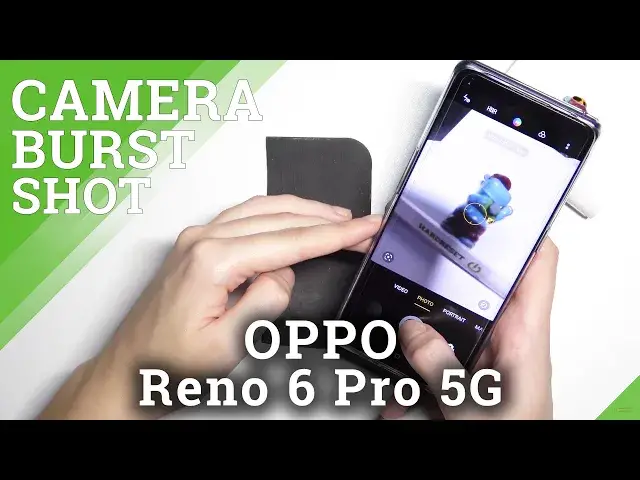

How to Take Burst Shot in OPPO Reno6 Pro 5G – Series of Pictures
Jul 6, 2024

Learn more info about OPPO Reno6 Pro 5G: https://www.hardreset.info/devices/oppo/oppo-reno6-pro-5g/
Would you like to take plenty of photos in a row in your OPPO Reno6 Pro 5G? In this tutorial we’d like to share with you how easily you can find proper camera options which will allow you to activate the burst shot option. Thanks to this your device will be allowed to take a lot of pictures in row. So let’s follow all shown steps and successfully take burst shot.
How to take burst shot in OPPO Reno6 Pro 5G? How to make series of pictures in OPPO Reno6 Pro 5G? How to activate burst shot in OPPO Reno6 Pro 5G? How to activate series of pictures in OPPO Reno6 Pro 5G? How to turn on burst shot in OPPO Reno6 Pro 5G? How to switch on burst shot in OPPO Reno6 Pro 5G? How to take series of pictures in OPPO Reno6 Pro 5G? How to turn on series of pictures in OPPO Reno6 Pro 5G? How to switch on series of pictures in OPPO Reno6 Pro 5G? How to take pictures in a row in OPPO Reno6 Pro 5G?
#BurstShot #SeriesofPictures #OPPOReno6Pro5G
Follow us on Instagram ► https://www.instagram.com/hardreset.info
Like us on Facebook ► https://www.facebook.com/hardresetinfo/
Tweet us on Twitter ► https://twitter.com/HardResetI
Support us on TikTok ► https://www.tiktok.com/@hardreset.info
Use Reset Guides for many popular Apps ► https://www.hardreset.info/apps/apps/
Show More Show Less