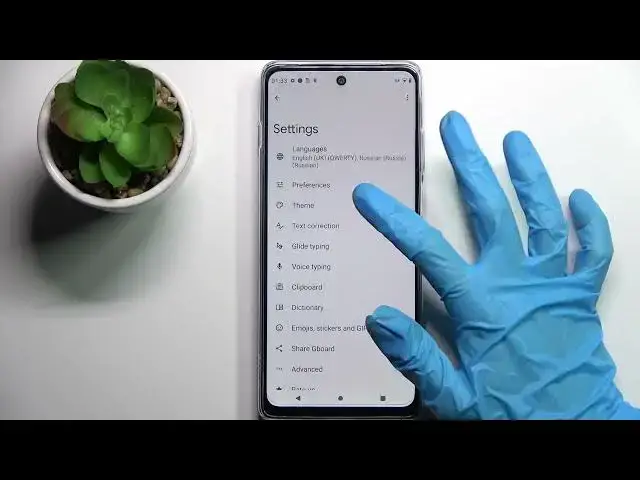

How to Switch On/Off Autocorrection on MOTOROLA Moto G200 5G – Predictive Text
Jul 2, 2024

Learn more MOTOROLA Moto G200 5G
https://www.hardreset.info/devices/motorola/motorola-moto-g200-5g/
In the enclosed instructions, we explain how to turn on / off auto-correction on the MOTOROLA Moto G200 5G. If you follow the attached instructions to deactivate predictive text on your MOTOROLA smartphone, you will gain access to the settings where you can customize auto-correction settings. Let's switch from auto-correction to the standard keyboard on your MOTOROLA Moto G200 5G. Visit the HardReset.info YouTube channel to find many useful tutorials for your MOTOROLA Moto G200 5G.
How to activate autocorrection on MOTOROLA Moto G200 5G? How to use autocorrection on MOTOROLA Moto G200 5G? How to turn on autocorrect on MOTOROLA Moto G200 5G? How to turn autocorrect off on MOTOROLA Moto G200 5G? How to switch from autocorrection to normal keyboard on MOTOROLA Moto G200 5G?
#Autocorrection #PredictiveText #MOTOROLAMotoG2005G
Follow us on Instagram ► https://www.instagram.com/hardreset.info
Like us on Facebook ► https://www.facebook.com/hardresetinfo/
Tweet us on Twitter ► https://twitter.com/HardResetI
Support us on TikTok ► https://www.tiktok.com/@hardreset.info
Use Reset Guides for many popular Apps ► https://www.hardreset.info/apps/apps/
Show More Show Less