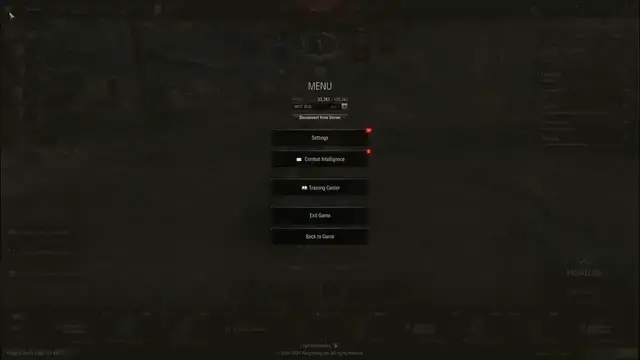

How To Show & Hide Proximity Spotting Circle In World Of Tanks
Feb 28, 2024

Find out more : https://www.hardreset.info
Learn how to manage the display of the proximity spotting circle in World of Tanks to optimize your situational awareness on the battlefield. This tutorial provides players with step-by-step instructions on how to show or hide the proximity spotting circle, which indicates the range within which enemy vehicles can detect your vehicle. By adjusting this setting, players can better understand their visibility to enemy vehicles and make more informed decisions during battles.
What is the proximity spotting circle in World of Tanks, and why would players want to show or hide it?
Where can players find the option to manage the display of the proximity spotting circle in the game settings?
How do players toggle the setting to show or hide the proximity spotting circle?
Can players customize the appearance or size of the proximity spotting circle?
Are there any advantages or disadvantages to showing or hiding the proximity spotting circle?
How does adjusting this setting impact tactical decision-making and situational awareness during battles?
#worldoftanks #WOT #worldoftanksgame
Follow us on Instagram ► https://www.instagram.com/hardreset.info
Like us on Facebook ► https://www.facebook.com/hardresetinfo/
Tweet us on Twitter ► https://twitter.com/HardResetI
Support us on TikTok ► https://www.tiktok.com/@hardreset.info
Use Reset Guides for many popular Apps ► https://www.hardreset.info/apps/apps/
Show More Show Less