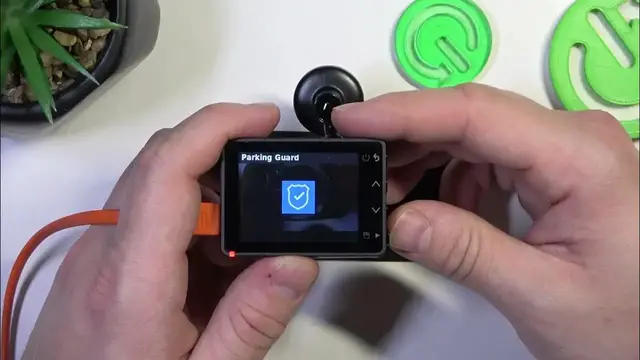

How to Set Up Parking Guard on Your Garmin Dash Cam 57
Jan 17, 2024

Find out more: https://www.hardreset.info/devices/
Discover how to maximize the security of your vehicle with the Parking Guard feature on the Garmin Dash Cam 57 in our latest video guide. This essential feature adds an extra layer of protection when your vehicle is parked, monitoring movements and impacts. We will guide you through the process of configuring the Parking Guard settings to suit your security needs, whether you’re parked in a busy city street or in a secluded area. Understand how to adjust sensitivity, duration, and notification settings to ensure you're alerted of any incidents around your vehicle. Ideal for Garmin Dash Cam 57 users looking to enhance their car’s safety, this video is a comprehensive resource for mastering this innovative feature. Subscribe to our channel for more tips and tricks to get the most out of your Garmin Dash Cam 57.
Hashtags:
#GarminDashCam57
#ParkingGuardFeature
#VehicleSecurity
Questions for Engagement:
How to activate the Parking Guard feature on the Garmin Dash Cam 57?
How to adjust the sensitivity settings of Parking Guard on your Garmin Dash Cam 57?
How to customize notification preferences for the Parking Guard in Garmin Dash Cam 57?
How does Parking Guard enhance the security of your parked vehicle with the Garmin Dash Cam 57?
How to troubleshoot common issues with the Parking Guard setting on the Garmin Dash Cam 57?
Follow us on Instagram ► https://www.instagram.com/hardreset.info
Like us on Facebook ► https://www.facebook.com/hardresetinfo/
Tweet us on Twitter ► https://twitter.com/HardResetI
Support us on TikTok ► https://www.tiktok.com/@hardreset.info
Use Reset Guides for many popular Apps ► https://www.hardreset.info/apps/apps/
Show More Show Less