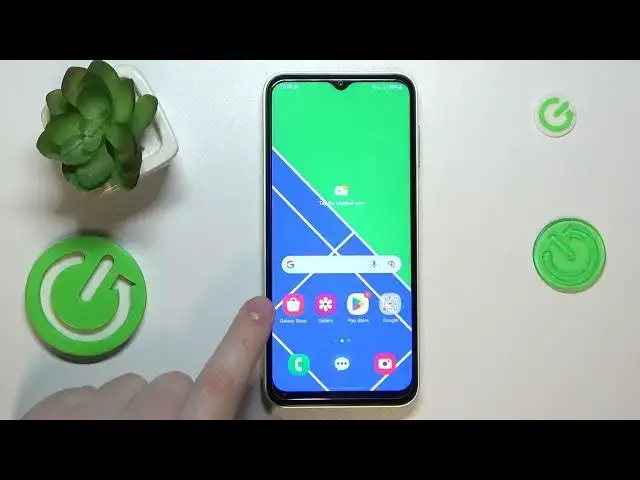

How to Set Up Nearby Share on Samsung Galaxy M04 – Nearby Share Option
Mar 20, 2024

Check more info about Samsung Galaxy M04: https://www.hardreset.info/devices/samsung/samsung-galaxy-m04/tutorials/
Hi there! Setting up Nearby Share on your Samsung Galaxy M04 is easy and convenient. First, make sure that both devices have Nearby Share enabled and are close to each other. With Nearby Share on your Samsung Galaxy M04, you can easily and quickly share files with other compatible devices nearby. So, open our video tutorial and follow our Specialist steps to set up Nearby Share Option on your Samsung Galaxy M04. For more useful tutorials on how to get the most out of your Samsung Galaxy M04, check out our HardReset.info YT channel.
How to Use Nearby Share Feature on Samsung Galaxy M04?
What is the Process of Setting Up Nearby Share on Samsung Galaxy M04?
How to Turn on Nearby Share and Share Files on Samsung Galaxy M04?
#NearbyShare #NearbyShareFeature #SamsungGalaxyM04
Follow us on Instagram ► https://www.instagram.com/hardreset.info
Like us on Facebook ► https://www.facebook.com/hardresetinfo/
Tweet us on Twitter ► https://twitter.com/HardResetI
Support us on TikTok ► https://www.tiktok.com/@hardreset.info
Use Reset Guides for many popular Apps ► https://www.hardreset.info/apps/apps/
Show More Show Less