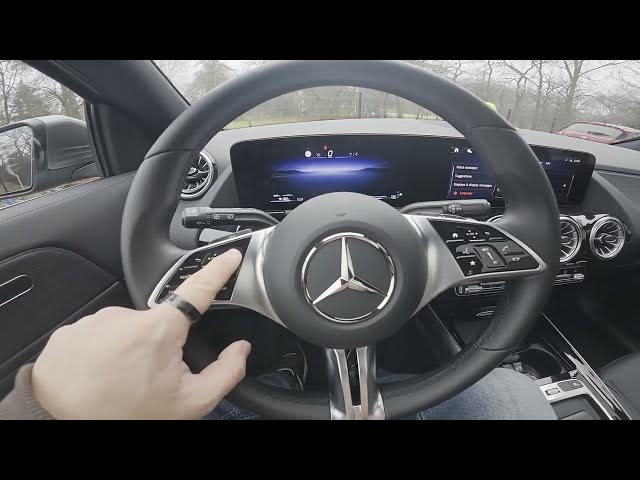

MERCEDES-BENZ EQA – How to Find Torque and G-Force
Jan 2, 2026

This video shows how to find Torque and G-Force on the MERCEDES-BENZ EQA instrument cluster. You will see the exact steps to access real-time performance data: open the instrument cluster, press the OK button, go to the Home menu, select Sport mode and view Torque, G-Force and Range/Battery Capacity. Perfect for EQA owners who want to monitor torque, driving forces and battery range quickly and easily.
How to find torque on MERCEDES-BENZ EQA?
How to show G-Force on MERCEDES-BENZ EQA?
How to check range and battery capacity on MERCEDES-BENZ EQA?
0:00 Intro – what we will show
0:07 Press OK on the instrument cluster
0:17 Open Home and navigate to Sport
0:27 View Torque, G-Force and Range/Battery Capacity
0:31 Wrap up and quick tip
#MercedesBenz #EQA #Torque #GForce
Find out more:
https://www.hardreset.info/devices/mercedes-benz/mercedes-benz-eqa/how-to-find-torque-and-g-force/
Follow us on Instagram ► https://www.instagram.com/hardreset.info
Like us on Facebook ► https://www.facebook.com/hardresetinfo/
Tweet us on Twitter ► https://twitter.com/HardResetI
Show More Show Less