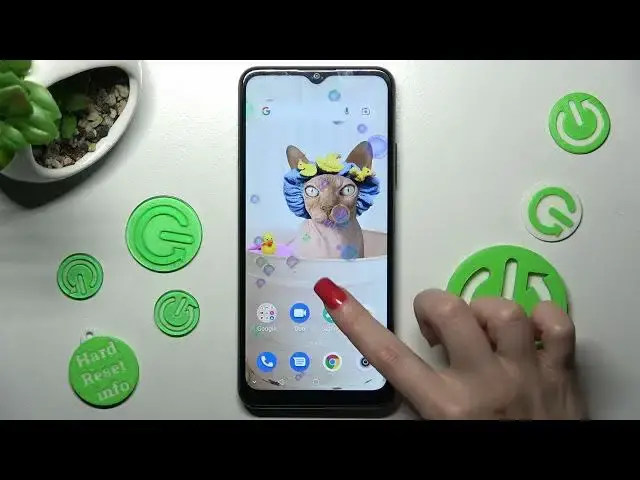

How to Rotate Display Automatically in ZTE BLADE A71 - Turn On / Off Auto Rotate Screen
Mar 25, 2024

To use the full potential of the ZTE BLADE A71 click here: https://www.hardreset.info/devices/zte/zte-blade-a71/tutorials/
Today, we are coming to you with the tutorial, from which you’ll learn how to Rotate Display Automatically in ZTE BLADE A71! If you don’t want your screen to stay still, when you move your smartphone, then give us a couple of minutes and learn how to enable this feature. So, without further ado, follow the steps from above and Turn On or Off the Auto Rotate Screen, let’s begin!
How to Enable Auto-Rotate ZTE BLADE A71? How to Rotate Display in ZTE BLADE A71? How to Switch On Auto-Rotate Screen in ZTE BLADE A71? How to Auto-Rotate Display in ZTE BLADE A71?
#ZTEBladeA71 #AutoRotateScreen #AutomaticRotation
Follow us on Instagram ► https://www.instagram.com/hardreset.info
Like us on Facebook ► https://www.facebook.com/hardresetinfo/
Tweet us on Twitter ► https://twitter.com/HardResetI
Support us on TikTok ►https://tiktok.com/@hardreset.info
Use Reset Guides for many popular Apps ► https://www.hardreset.info/apps/apps/
Show More Show Less