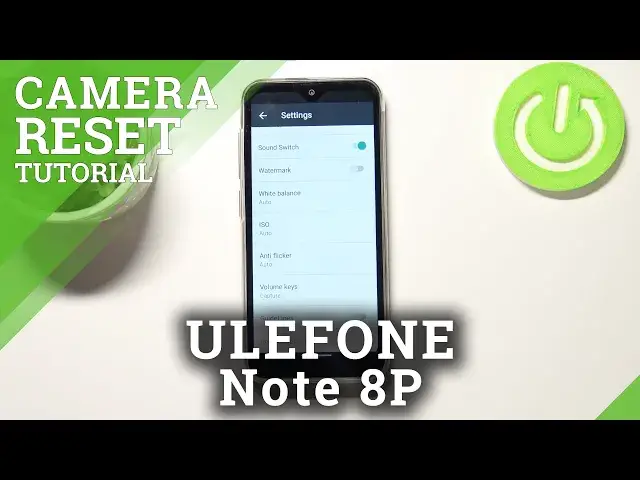

How to Reset Camera Settings in ULEFONE Note 8P – Reset Camera’s Configurations
Jul 9, 2024

Learn more info about ULEFONE Note 8P:
https://www.hardreset.info/devices/ulefone/ulefone-note-8p/
If you want to reset the camera settings in ULEFONE Note 8, stay here with us. Our expert will show you where the camera settings are located and how to easily restore the default camera settings. After this process, all camera configurations will be reset. This action will also fix camera problems, so if you need to, do it as soon as possible. Visit our YouTube channel and watch more tutorials for the ULEFONE Note 8P.
How to reset camera setting in ULEFONE Note 8P? How to restore camera defaults in ULEFONE Note 8P? How to reset camera in ULEFONE Note 8P? How to restore camera settings in ULEFONE Note 8P? How to bring back factory camera configurations on ULEFONE Note 8P? How to repair camera in ULEFONE Note 8P? How to fix camera in ULEFONE Note 8P? How to back origin camera settings ULEFONE Note 8P?
#ResetCameraSettings #RestoreCameraSettings #ULEFONENote8P
Follow us on Instagram ► https://www.instagram.com/hardreset.info
Like us on Facebook ► https://www.facebook.com/hardresetinfo/
Tweet us on Twitter ► https://twitter.com/HardResetI
Support us on TikTok ► https://www.tiktok.com/@hardreset.info
Use Reset Guides for many popular Apps ► https://www.hardreset.info/apps/apps/
Show More Show Less