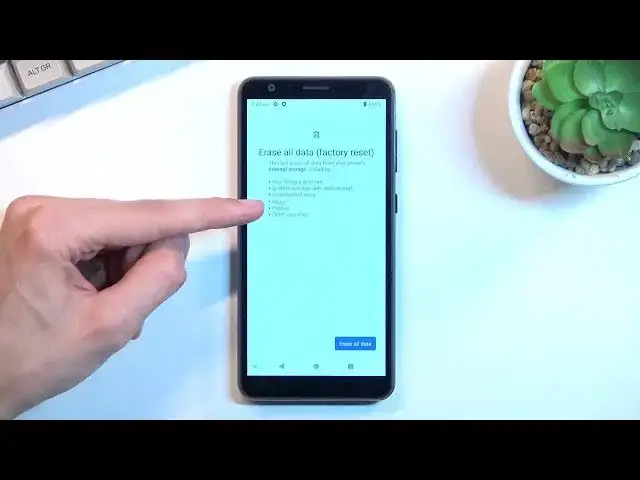

How to Reset All Settings on ZTE Blade A31 - Erase All Data
Apr 5, 2024

Find out more info about ZTE Blade A31:
https://www.hardreset.info/devices/zte/zte-blade-a31/
If you want to know how to reset all settings on ZTE Blade A31, watch this tutorial. You won't need to enter the secret menu, we'll show you how to enter the Reset options tab and then run the factory reset. This will erase all data from your phone's internal storage, including music, photos, downloaded apps, system and app data and settings, your Google Account and other user data. If you want to know more about the ZTE Blade A31, visit our YouTube channel.
How to reset all settings on ZTE Blade A31? How to erase all data on ZTE Blade A31? How to reset data on ZTE Blade A31? How to reset all data on ZTE Blade A31?
#ResetAllSettings #EraseAllData #ZTEBladeA31
Follow us on Instagram ► https://www.instagram.com/hardreset.info
Like us on Facebook ► https://www.facebook.com/hardresetinfo/
Tweet us on Twitter ► https://twitter.com/HardResetI
Support us on TikTok ► https://www.tiktok.com/@hardreset.info
Use Reset Guides for many popular Apps ► https://www.hardreset.info/apps/apps/
Show More Show Less