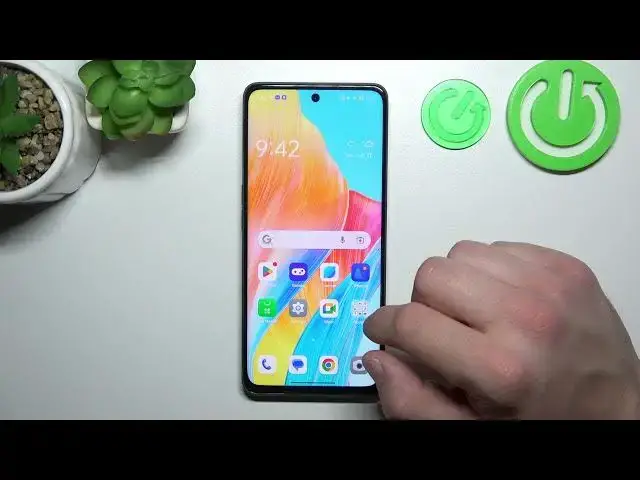

How to Remove/Restore Messages Icon from the Screen on OPPO A98? - Manage Icons
Aug 3, 2024

Learn more about OPPO A98
https://www.hardreset.info/devices/oppo/oppo-a98/tutorials/
The Messages icon on the screen of your OPPO A98 smartphone can be removed or restored in this tutorial. We'll show you how to remove or restore the Messages icon if you accidentally removed it or want to declutter your home screen. This course will teach you how to access your app drawer, customize your home screen, and manage shortcuts for apps. This tutorial will help you customize your OPPO A98's screen layout to keep the Messages icon easily accessible or hide it for a cleaner look.
How to remove or restore the Messages icon from the screen on OPPO A98?
How to manage app shortcuts on OPPO A98?
How to customize the home screen on OPPO A98?
How to declutter the screen on OPPO A98?
#RemoveMessagesIcon #RestoreMessagesIcon #OPPOA98
Follow us on Instagram ► https://www.instagram.com/hardreset.info
Like us on Facebook ► https://www.facebook.com/hardresetinfo/
Tweet us on Twitter ► https://twitter.com/HardResetI
Support us on TikTok ► https://www.tiktok.com/@hardreset.info
Use Reset Guides for many popular Apps ► https://www.hardreset.info/apps/apps/
Show More Show Less