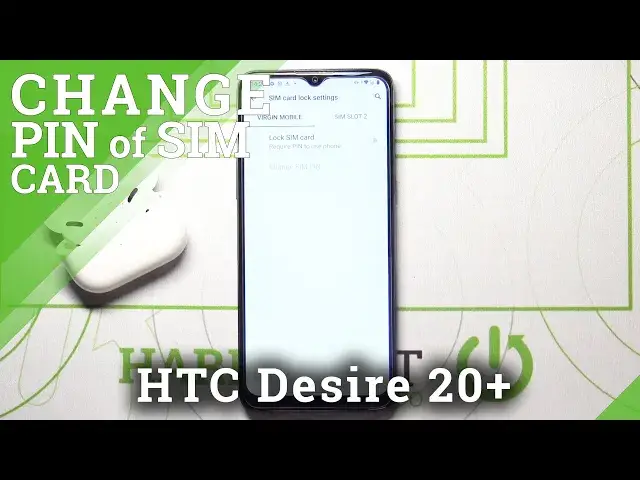

How to Remove SIM PIN from SIM Card in HTC Desire 20+
Jul 13, 2024

Learn more info about HTC Desire 20+:
https://www.hardreset.info/devices/htc/htc-desire-20-plus/
If you are convinced that you want to remove the PIN that protects access to your data stored on the SIM card, open this tutorial and follow our instructions. Our specialist will show you where the SIM card settings are in the HTC Desire 20+ and how to properly remove the PIN from the SIM card. If you want to do this, you must enter your current PIN! Take into account the fact that if you lose your phone, unwanted people will have easier access to your data. Maybe you should just change the PIN to one that will be easier to remember? If you are interested in this proposal, go to our YouTube channel and use the tutorial created by our specialist.
How to Disable PIN for SIM Card in HTC Desire 20+? How to Disable SIM PIN in HTC Desire 20+? How to turn off PIN for SIM in HTC Desire 20+? How to turn off SIM PIN in HTC Desire 20+? How to remove PIN in HTC Desire 20+? How to remove SIM PIN in HTC Desire 20+? How to remove SIM card PIN in HTC Desire 20+? How to disable SIM PIN in Android Device? How to remove SIM Lock in HTC Desire 20+? How to disable SIM Lock in HTC Desire 20+? How remove PIN Code in HTC Desire 20+? How to turn off PIN Code in HTC Desire 20+?
Follow us on Instagram ► https://www.instagram.com/hardreset.info
Like us on Facebook ► https://www.facebook.com/hardresetinfo/
Tweet us on Twitter ► https://twitter.com/HardResetI
Show More Show Less