0:00
Hi guys, this is the Hardware Society YouTube channel and today I'll show you how to download and install VReal app on your device
0:11
So if you use the Android device you should open the Play Store app, if you use the iOS device just open the App Store and then in the search box we should enter VReal
0:23
Now we should get this first application that's why tap to get on iOS device and to install on Android one
0:31
After that be sure just that you are loading in your Apple ID or Gmail account, then just tap to install and just wait a couple of seconds while this application window loading and then installing on your device
0:45
After that just tap to open the app, click to get started and enter your name
0:59
Just I'll use the hard reset name, click to continue. Here we should enter our birthday date, so first the month, then the date and the year
1:13
After that click to continue and now we should just enter our phone
1:17
Let's first select the country's code, in my case that is Poland
1:26
Now enter your number. Tap to continue and wait for the verification code
1:42
Just copy it or just enter it manually with your fingers. Then just tap to OK
1:52
Here you can invite your contacts, you can also skip this option if you want by click on the right upper corner
2:00
Tap to allow and now click on this notification to take your first VReal
2:06
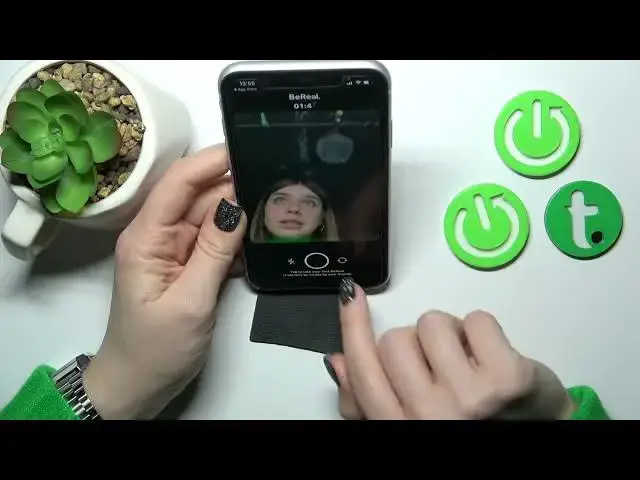
Just tap to OK. We can just make a selfie, so we can use these two cameras, the back and the front camera, just by click here to change it
2:17
And just tap to this button just to take your first VReal
2:26
Wait a second, here we can see just tap to allow once or using the upper just don't allow
2:33
Or we can see here the time, how many times and just we got to take the VReal
2:40
You can just change, turn off here the notification or to turn it on. Also you can change it, your audience, so you can share it only for your friends or just to share with everyone in VReal application
2:52
And then just tap to send. After that, you'll add your VReal
3:02
Now I just added before, that's why I can't post a couple of VReals in one day
3:08
Then you'll see here your VReal, after that you should enter, just add your friends
3:15
You can find them here, you can see the request, here suggestions. So that's how to download and install the VReal application on your device to find more information about how to use the VReal app
3:27
how to find the friends, for example, to log out from VReal account, to turn on and turn off notifications, to change the localization
3:36
So for all of this information, you just should open our Hardware Studio YouTube channel and find all of that sent for
3:45
So that's it, thank you for watching and if you find this video helpful, don't forget to leave a like, comment and to subscribe our channel