0:00
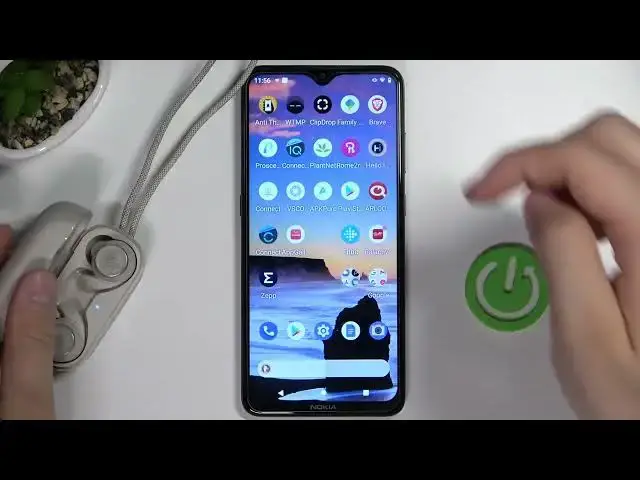
Welcome guys, so today I am with JBL Reflect Mini Noise Cancellation Earbuds
0:05
and I'm going to show you how you can pair them with your Android smartphone. So the first you have to remember to charge at least to the 50% this earbuds before the pairing
0:17
and right now I can recommend you to simply open the case and just take a look right here on this
0:24
indicator inside. When it's not blinking quickly it means that we have to move this
0:31
earbuds to the pairing mode to let to get them visible to other devices right
0:37
Oh as you can see right now they are start blinking quickly after a few moments but if you hear if you still have a problem that they are not blinking quickly and they are not
0:46
visible to your phone you have to keep that case open, keep them inside and find this button on
0:54
the back of the charging case and you have to click on it twice just like that. After a few
1:02
seconds this indicator on the front will start blinking quickly just like that and after that
1:07
we have to simply open the Bluetooth settings on our Android smartphone, click to pair new device
1:17
and you have to take a look on the available devices and right now just select your headset
1:29
So click once accept the pairing request and right now we are connected but we have
1:34
to complete another step we have to open the Play Store, click on the search pool
1:39
and we have to type JBL headphones we have to get this application and when you get this app will enable more features of this
1:53
earbuds for example we'll be able to adjust the sound equalizer the power on and off option and few other things
2:03
okay right now just open it click to get started we have to accept all of these permissions that pops on the screen
2:20
and as you can see when we previously connect them by using the standard
2:24
Bluetooth settings they will be already in the application. You can skip this quick guide
2:30
and there it is as you can see right now we are successfully connected with our headphones
2:37
with our earbuds and the Android smartphone. So that's how we can make it step by step if
2:42
you find this video helpful remember to leave a like comment and subscribe