0:00
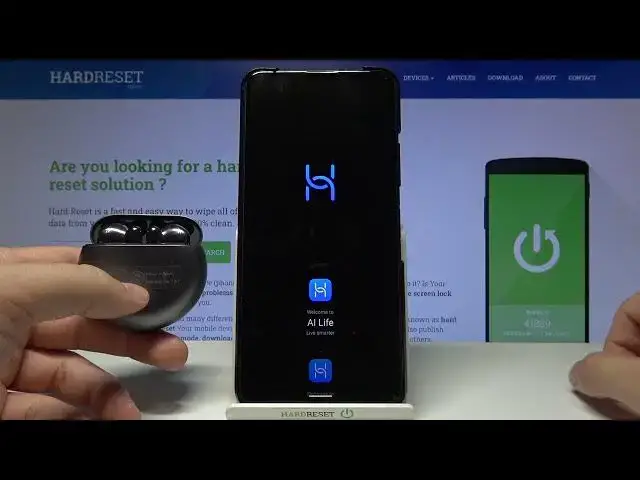
Welcome, today I am with Huawei 3Buds 4 and I will show you how you can connect them with
0:11
your Android smartphone. We got two methods, the first one and the fastest method
0:15
Open case of your 3Buds 4i, then click and hold this button on the right side to move
0:19
them into the pairing mode. So take a look on indicator, when it start blinking on white color it means that they
0:25
are in the pairing mode. So right now we have to open Bluetooth settings on our Android phone, enable Bluetooth and
0:33
then we will find 3Buds 4 on the available devices list. So click on them once, click pair, as you can see they pops on the list and right now
0:42
we are finally connected. So there is the first and the fastest method. The another method we can make it by using the Huawei AI Live application
0:51
So open Play Store, click on the search pool and type AI Live
1:01
Huawei AI Live. Let's get this application. When the download is finished you can click open, tap next, click agree, tap right here
1:13
on all of these permissions and when you got new version available you have to update right now
1:19
Click here, it's very important because without this update we will be not able to find our
1:23
3Buds 4 in this application. So that's very very important, you have to make this update right here
1:31
Now just be patient and wait a little bit until the update will be finished
1:42
Click on the settings, tap right here to install apps from the source, click install again
1:54
and then click open. Click next, tap agree, accept all the permissions, click on the plus on the right bottom corner
2:04
to add our 3Buds, click to enable location, tap on the switcher, go back and then you
2:09
can add them manually. So you will find right here the 3Buds 4 in this place
2:14
So we can click once and then click and hold this button on the right side to move them
2:19
into the pairing mode manually right now and then select that we have completed these steps
2:26
Click next, click enable, tap allow, click next again, as you can see the device is ready
2:37
to pair so click next, click pair and connect, click pair again and as you can see right
2:49
now we are finally connected so when we are click here and then tap enable we will get
2:55
some kind of the small update. And as you can see after a few moments we are finally here and we are connected
3:08
So that's how you can connect 3Buds 4 with your Android smartphone
3:12
If you find this video helpful remember to leave a like, comment and subscribe