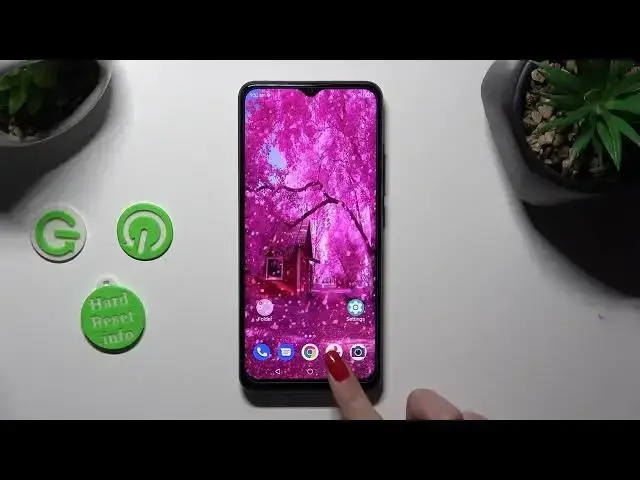

How to Open Apps by Dividing Screen of ZTE Blade A53 Pro - Use Split Screen
Mar 17, 2024

Check out more information about ZTE Blade A53 Pro: https://www.hardreset.info/devices/zte/zte-blade-a53-pro/tutorials/
Want to use Split Screen View on your ZTE Blade A53 Pro, and this way operates two apps at once? If the answer sounds yes, then look up and we are here to help! Just give us a few minutes from your day and follow all steps presented above to learn how to open two apps, on your screen by dividing it with them. You'll also find out how to close them, so without further ado, let's get started!
How to Use ZTE Blade A53 Split Screen? How to Use Split Screen on ZTE Blade A53 Pro?
How to Open Two Apps at Once on ZTE Blade A53 Pro?
#ZTEBladeA53Pro #SplitScreen #SplitScreenView
Follow us on Instagram ► https://www.instagram.com/hardreset.info
Like us on Facebook ► https://www.facebook.com/hardresetinfo/
Tweet us on Twitter ► https://twitter.com/HardResetI
Please support us on TikTok ►https://tiktok.com/@hardreset.info
Use Reset Guides for many popular Apps ► https://www.hardreset.info/apps/apps/
Show More Show Less