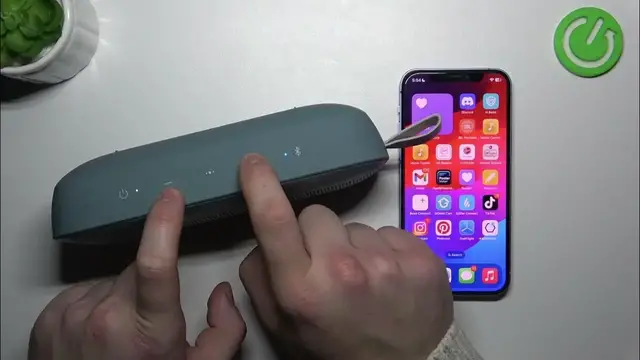

How to Manually Change Language on Bose SoundLink Flex: A Step-by-Step Guide
Mar 3, 2024

Find out more: https://www.hardreset.info/devices/
Empower yourself with the knowledge of how to manually change the language settings on the Bose SoundLink Flex! In this comprehensive video, we guide you through the step-by-step process of customizing the language settings to your preferred language. Whether you're looking to switch to a different language or simply want to explore the options available, we've got you covered. Our expert insights and practical tips ensure that you'll navigate the language settings effortlessly, allowing you to fully enjoy your Bose SoundLink Flex speaker in the language that suits you best. Join us to learn how to manually change the language settings and make your SoundLink Flex experience truly personalized.
#BoseSoundLinkFlex
#LanguageSettings
#AudioCustomization
Questions:
How to access the language settings on the Bose SoundLink Flex speaker?
How to select and change the language to your preferred option manually?
How to explore the available language choices and their regional variations?
How to troubleshoot any issues related to changing the language settings on the Bose SoundLink Flex?
How to ensure that your Bose SoundLink Flex speaker operates seamlessly in your chosen language after making the adjustment?
Follow us on Instagram ► https://www.instagram.com/hardreset.info
Like us on Facebook ► https://www.facebook.com/hardresetinfo/
Tweet us on Twitter ► https://twitter.com/HardResetI
Support us on TikTok ► https://www.tiktok.com/@hardreset.info
Use Reset Guides for many popular Apps ► https://www.hardreset.info/apps/apps/
Show More Show Less