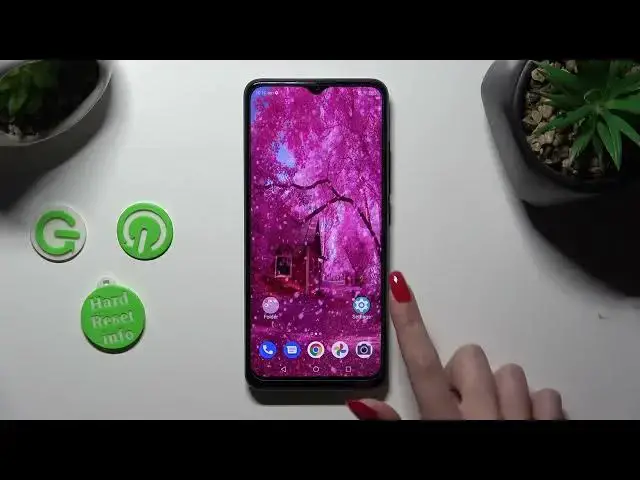

How to Manage Auto Brightness on ZTE Blade A53 Pro - Access Display Settings
Mar 17, 2024

Check out our website to find out more about ZTE Blade A53 Pro: https://www.hardreset.info/devices/zte/zte-blade-a53-pro/tutorials/
In this video, our expert would love to show you, how to super easily access Display Settings, and this way decide if the Auto-Brightness option is helpful for you! This feature, when enabled, will smartly adjust screen brightness daily, if you switch it off though, you'll only be able to change the brightness level manually via proper sliders. So, don't wait, locate this option and enjoy it today!
How to Use Auto-Brightness in Motorola Moto X40? How to Enable Auto-Brightness in Motorola Moto X40? How to Activate Auto Brightness in Motorola Moto X40? How to Switch On Auto Brightness in Motorola Moto X40?
#ZTEBladeA53Pro#ManageAdaptiveBrightness #DisplayBrightness
Follow us on Instagram ► https://www.instagram.com/hardreset.info
Like us on Facebook ► https://www.facebook.com/hardresetinfo/
Tweet us on Twitter ► https://twitter.com/HardResetI
Please support us on TikTok ►https://tiktok.com/@hardreset.info
Use Reset Guides for many popular Apps ► https://www.hardreset.info/apps/apps/
Show More Show Less