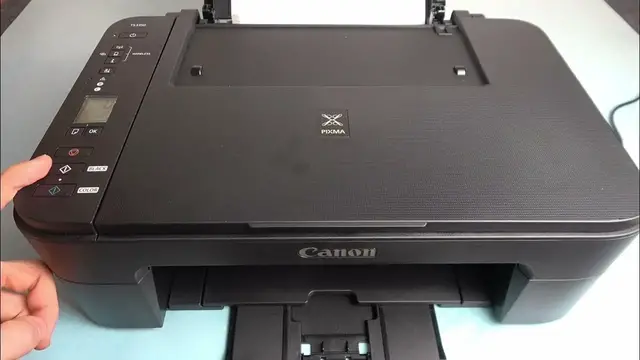

How to Make Black & White Copies with Canon Pixma TS 3350
Mar 3, 2024

Find out more: https://www.hardreset.info/devices/
Dive into the world of effortless monochrome copying with our newest video on the Canon Pixma TS 3350! This tutorial is tailored to guide you through the seamless process of creating high-quality black and white copies. Whether you're duplicating important documents or crafting artistic prints, our video showcases the simplicity and efficiency of the Canon Pixma TS 3350. We focus on helping you utilize your printer's features to the fullest, ensuring crystal-clear copies every time. Ideal for home office enthusiasts or anyone needing quick, reliable copies, this video is a treasure trove of practical insights. Discover the nuances of black and white copying and make the most out of your Canon Pixma with our expert guidance. Stay tuned for more tips and tricks, and don't forget to hit the like and subscribe button for more content on mastering your tech devices!
#CanonPixmaBWCopies
#MonochromeCopying
#TechTipsTS3350
Video Content Related Questions:
"How to select the B&W copy option on Canon Pixma TS 3350?"
"How to adjust copy quality for black and white on Canon Pixma TS 3350?"
"How to ensure crisp and clear B&W copies on Canon Pixma TS 3350?"
"How to troubleshoot common B&W copying issues with Canon Pixma TS 3350?"
"How to optimize ink usage for B&W copying on Canon Pixma TS 3350?"
Follow us on Instagram ► https://www.instagram.com/hardreset.info
Like us on Facebook ► https://www.facebook.com/hardresetinfo/
Tweet us on Twitter ► https://twitter.com/HardResetI
Support us on TikTok ► https://www.tiktok.com/@hardreset.info
Use Reset Guides for many popular Apps ► https://www.hardreset.info/apps/apps/
Show More Show Less