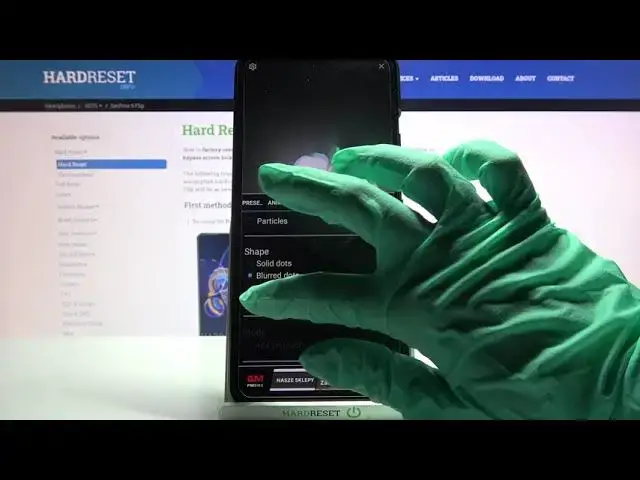

How to Install & Apply Animated Wallpaper that Reacts to Touch in Asus Zenfone 8 Flip - Magic Fluids
Apr 14, 2024

Learn more info about ASUS ZENFON 8 FLIP: https://www.hardreset.info/devices/asus/asus-zenfone-8-flip/
If you want to try something definitely more interesting than static default wallpaper, then look up! From this tutorial, you’ll find out how to Download Free Version of Magic Fluids Wallpaper, and apply this beauty on your Asus Zenfone 8 Flip. This unique Animation, will reacts to touch of your screen creating colorful flames. So, just follow all steps, presented in this video, and decide if this Wallpaper suits your ASUS. Let’s begin!
How to Download Animated Wallpaper on ASUS ZENFON 8 FLIP? How to Download Magic Fluids on ASUS ZENFON 8 FLIP? How to Apply Magic Fluids on ASUS ZENFON 8 FLIP? How to Download Live Wallpaper on ASUS ZENFON 8 FLIP? How to Apply Animated Wallpaper that Reacts to Touch on ASUS ZENFON 8 FLIP? How to Apply Animated Wallpaper Magic Fluids Live Wallpaper on ASUS ZENFON 8 FLIP?
#AsusZenfon8Flip #ApplyLiveWallpaper #MagicFluids
Follow us on Instagram ► https://www.instagram.com/hardreset.info
Like us on Facebook ► https://www.facebook.com/hardresetinfo/
Tweet us on Twitter ► https://twitter.com/HardResetI
Support us on TikTok ►https://tiktok.com/@hardreset.info
Use Reset Guides for many popular Apps ► https://www.hardreset.info/apps/apps/
Show More Show Less