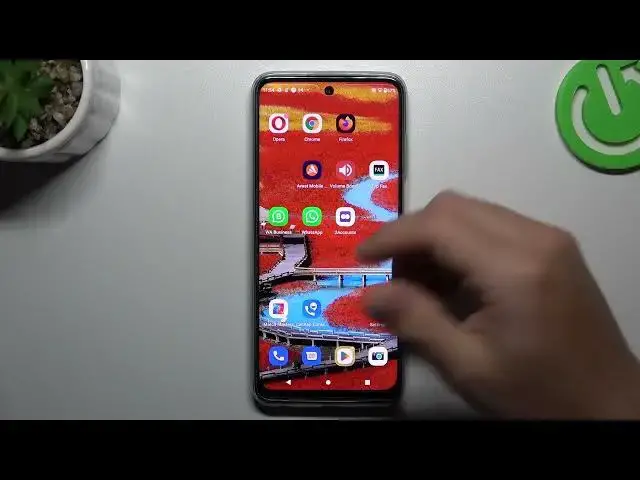

How to Install 2 WhatsApp Apps on MOTOROLA Moto G32 - Logining into 2 WhatsApp Accounts
Aug 2, 2024

We invite you to visit our website and learn more about MOTOROLA Moto G32: https://www.hardreset.info/devices/motorola/motorola-moto-g32/tutorials/
Elevate your communication game on the MOTOROLA Moto G32 by harnessing the power of two WhatsApp apps! In this step-by-step tutorial, we'll show you how to install both regular WhatsApp and WhatsApp for Business on your device, unlocking new possibilities for personal and professional messaging. Join us as we guide you through the process of setting up and managing two separate WhatsApp accounts on a single device. Learn how to differentiate between the two apps and seamlessly switch between personal and business conversations. We'll also provide valuable tips to help you stay organized and optimize your messaging experience on both platforms. Whether you're a freelancer, entrepreneur, or simply want to keep your personal and work chats separate, this video is a must-watch. Subscribe for more exciting tips and tricks to maximize your productivity on the MOTOROLA Moto G32. Let's empower you with the ability to efficiently manage both personal and business WhatsApp accounts!
How to use 2 WhatsApp accounts at the same time on MOTOROLA Moto G32? How to sign into 2 WhatsApp accounts simultaneously on MOTOROLA Moto G32? How to download and use two WhatsApp instances on MOTOROLA Moto G32?
#MOTOROLAMotoG32 #WhatsApp #MOTOROLAApps
Follow us on Instagram ► https://www.instagram.com/hardreset.info
Like us on Facebook ►
https://www.facebook.com/hardresetinfo/
Tweet us on Twitter ► https://twitter.com/HardResetI
Support us on TikTok ► https://www.tiktok.com/@hardreset.info
Use Reset Guides for many popular Apps ► https://www.hardreset.info/apps/apps/
Show More Show Less