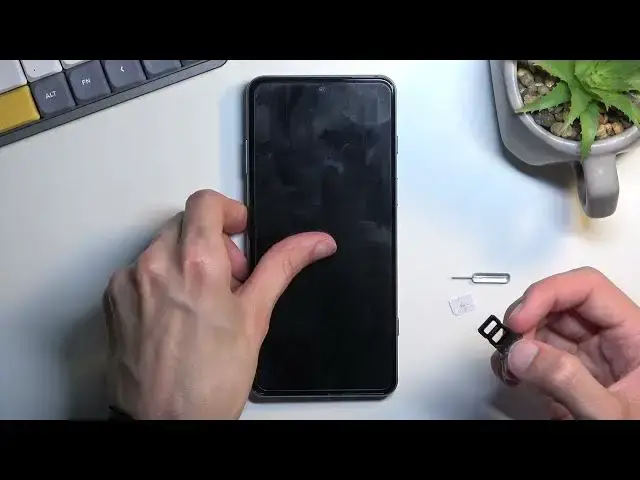

How to Insert SIM on XIAOMI Black Shark 5 - Set Up Nano SIM | Open SIM Slot
Jun 29, 2024

XIAOMI Black Shark 5 Tutorials:
https://www.hardreset.info/devices/xiaomi/xiaomi-black-shark-5/tutorials/
If you would like to use SIM card on XIAOMI Black Shark 5 you should follow our tutorial. Use the tray and open SIM slot. Afterwards, check the correct position of Nano SIM card. Then you will be able to use SIM card and mobile network connection.
Where to find Nano-SIM slot in XIAOMI Black Shark 5? How to open SIM slot on XIAOMI Black Shark 5? How to insert Nano SIM slot on XIAOMI Black Shark 5? How to install SIM on XIAOMI Black Shark 5? How to put a SIM card into XIAOMi phone?
#OppoReno6Pro #OppoSIM #OppoSIMSlot
Follow us on Instagram ► https://www.instagram.com/hardreset.info
Like us on Facebook ► https://www.facebook.com/hardresetinfo/
Tweet us on Twitter ► https://twitter.com/HardResetI
Support us on TikTok ► https://www.tiktok.com/@hardreset.info
Reset Guides for many popular Apps ► https://www.hardreset.info/apps/apps/
Show More Show Less