0:00
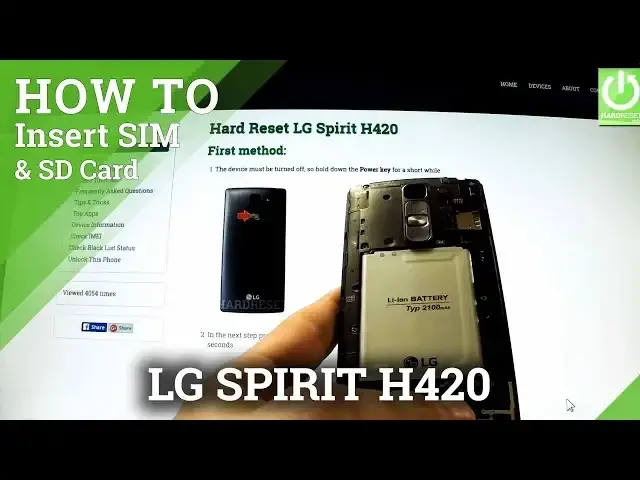
Here I have LG Spirit and let me show you how to insert a microSD and SIM card in this device
0:12
At first, hold down the power key for a few seconds, then tap power off and confirm the
0:17
operation by tapping OK. Wait until your phone is completely switched off and then go to a back panel, find the
0:24
cavity on the right edge of your phone and simply use your nail finger to open the back panel
0:29
It's pretty easy. Do it from the bottom of your device to the top, step by step
0:36
Now you have access to your slots. In this slot you can insert both SIM and SD card
0:44
Let's start with SIM card. We have used microSIM card. This is the following card and this is the characteristic edge
0:53
Let's put it that way. This is the only possible way to do it
1:02
And push it to the end of the slot. Now let's insert a microSD card
1:08
This is the characteristic edge. And put this card in that position and pull it to the end
1:16
Well done. Make sure that both cards suit to your device and then insert the back panel
1:28
Well done. Now let me switch on my device and let me show you that both cards are working on this device
1:38
The phone is turning on. Excellent. As you may see the phone is connected to one of the mobile network
1:48
So it means that a microSIM card was inserted properly. Now let's go to settings and check if our SD card is working
2:01
Let me at first change language to English. Ok
2:12
Now let's go to general tab. So choose settings, tab general and here you should have storage options
2:25
Let's open them. And as you may see the phone is reading our SD card
2:31
So everything went well. Thank you for watching. Don't forget to subscribe our channel and leave thumbs up under this video