0:07
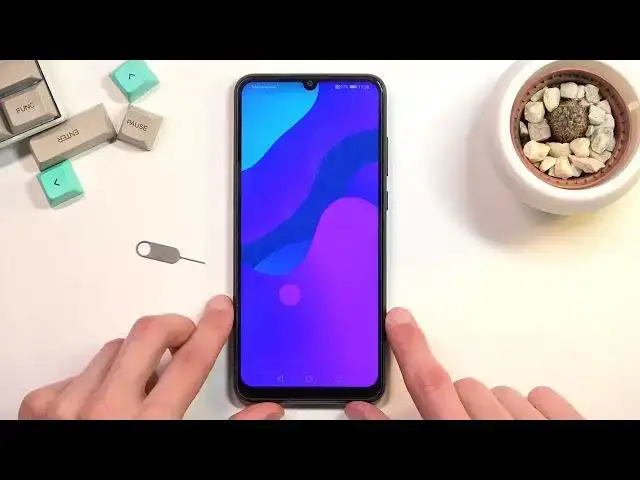
Enfonomi is a Honor 9A and today I'll show you how you can insert SIM and SD card into
0:12
this phone. So, to get started you'll need to grab one of these SIM eject tool which comes provided
0:18
with the device in the box or you could also use a paper clip straightened on one of the
0:22
ends and it should work just as well. Now once you have one of those you want to pop out the tray which is located on the upper
0:28
left side of the device as you can see right here. Push the pin in and the tray pops out enough for you to be able to pull it out
0:37
And on the tray you have space for two different SIM cards and one SD card
0:42
Now in terms of a SIM card you can occupy whichever slot you want, it doesn't really matter
0:48
And put it back into the device and it should start working automatically
0:52
And there we go, there is the pin for the SIM card
0:57
Now additionally just because this is Huawei and it's absolutely stupid, it changed the
1:01
language of the device to Polish because of the SIM card that I put in
1:05
Completely disregarding and giving zero Fs about the language that we have chosen throughout
1:09
the setup process. So if you're like me and you're right now really pissed off about this and you want
1:14
to change it back to your desired language, well then you need to basically guess where
1:19
the language settings are because it's now in a completely different language
1:23
So just for the people that have problems with this, what you need to do is tap on the
1:28
settings which is this gear icon right here. From there scroll all the way down to I believe it's going to be system right here, so the
1:36
second last option with the phone with the gear icon. And in here we're going to have language which is the third option from the top as you can
1:43
see, one, two, three, right here. And first option from the top, language and region
1:50
And then select add language which is the text, the blue text, second one basically
1:59
And now simply find your language that you had it most likely set to before and get the
2:03
damn language back. Select change which is the option on the right side and here we go, we're back to where we
2:11
actually started. Thanks Huawei. So anyway, that's how you insert SIM and SD card into the device and also deal with the
2:20
stupidity of Huawei with their language change for the SIM card. So if you found this very helpful, don't forget to hit like, subscribe and thanks for watching