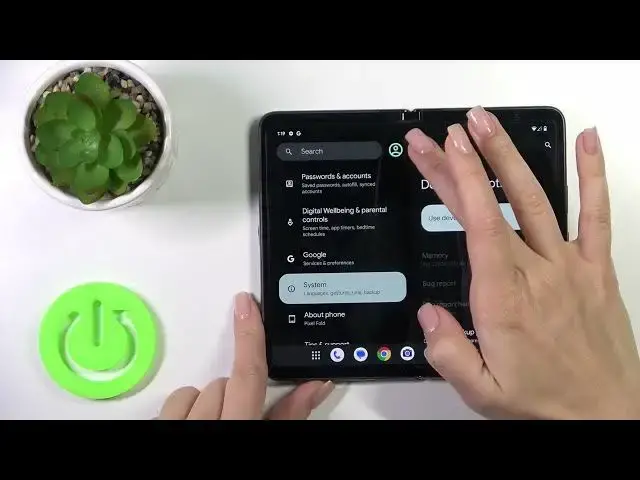

How to Hide Developer Options on GOOGLE Pixel Fold - Disable Developer Function
Mar 10, 2024

Check out more info about GOOGLE Pixel Fold:
https://www.hardreset.info/devices/google/google-pixel-fold/tutorials/
If you want to conceal the developer options on your GOOGLE Pixel Fold, you've come to the right place! In this tutorial, we'll demonstrate how effortlessly you can locate the necessary setting that enables you to deactivate advanced mode. By doing so, you'll be able to eliminate developer options from your settings list. Let's proceed by following the outlined steps and effectively hide developer options on your GOOGLE Pixel Fold.
How to disable developer options in GOOGLE Pixel Fold? How to deactivate developer options in GOOGLE Pixel Fold? How to hide developer settings in GOOGLE Pixel Fold? How to turn off developer options in GOOGLE Pixel Fold? #HideDeveloperMode #DeveloperOptions #GOOGLEPixelFold
Follow us on Instagram ► https://www.instagram.com/hardreset.info
Like us on Facebook ► https://www.facebook.com/hardresetinfo/
Tweet us on Twitter ► https://twitter.com/HardResetI
Support us on TikTok ► https://www.tiktok.com/@hardreset.info
Use Reset Guides for many popular Apps ► https://www.hardreset.info/apps/apps/
Show More Show Less