0:00
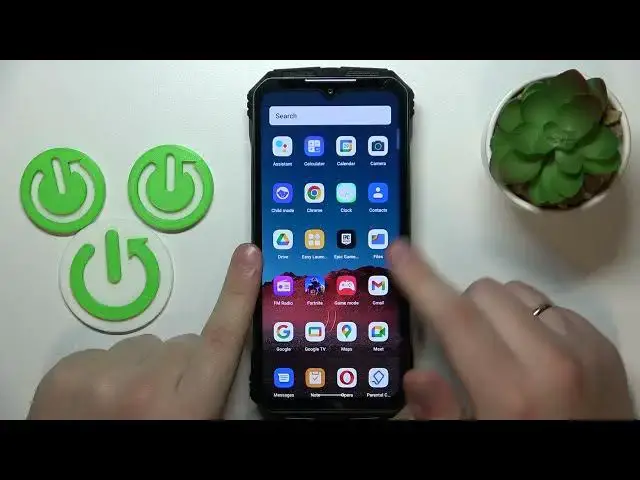
This is Doogee V Max and today I would like to demonstrate that you can bypass
0:04
parental controls on this device. So as you can clearly see my parental controls are indeed active
0:13
So from here you will need to launch settings, then enter Google category
0:18
onwards go for the manage your Google account button, after that open the data
0:27
and privacy page or section, then scroll it all the way down and go for the
0:33
delete your Google account option. Then in order to continue we will need to
0:37
input the account password, so let me quickly do that off the screen. After you
0:44
will type in your password and tap next, the following page is delete your Google
0:49
account which you will also need to scroll all the way down, check those two boxes at the bottom to confirm that you acknowledge everything and then delete
0:57
your Google account. At this point the parental controls should have already
1:02
been deactivated, so let's quickly check that. Yep as you can see there is no, there are no parental controls active and no
1:20
Google account links as well. So the last thing that I need to do is to recover
1:24
the Google account I have just deleted, which you can very easily do through
1:27
signing into any Google app with it. I'll go for Google Play Store for example, but
1:33
as I've said you can use any Google service or app that you please. After
1:40
inputting the email address you should get the following message confirming that this account was recently deleted and may be recoverable, so that's what
1:48
we're interested in. So follow the previous message by inputting your account password, then hit the next button and nine out of ten times you'll
1:57
get the following error saying something went wrong, that's completely fine just
2:02
re-input or re-enter your credentials and usually the second time around lets
2:08
you go through and allows you to proceed with the sign-in. So I've entered the
2:16
email address and password, then hit the next button and as you can see the sign-in
2:24
process continues, so let's finish that and as you can clearly see the
2:30
account was successfully restored or recovered. Alrighty so that will be it
2:35
for today, thanks for watching and bye bye